Managing Connector Authorization
How to provide and manage API key or OAuth credentials for connectors.
Overview
When managing connectors, you can provide one of two types of credentials depending on the connector:
- API Key: Directly enter an admin-level API key.
- OAuth: Go through an OAuth flow to authorize ShiftControl, such as for Google Workspace.
Both processes are supported, and the one you use depends on the connector. The same process is used whether you're adding a new connector or updating existing credentials. All credentials are stored securely and can only be accessed by our systems.
Adding or Updating an API Key
For API-based connectors, such as GitHub:
Navigate to the Connector to Configure
Click on the action menu for the connector you wish to configure, and click either Add Authorization or Edit Authorization.
Provide the API Key
Enter the API key in the field.
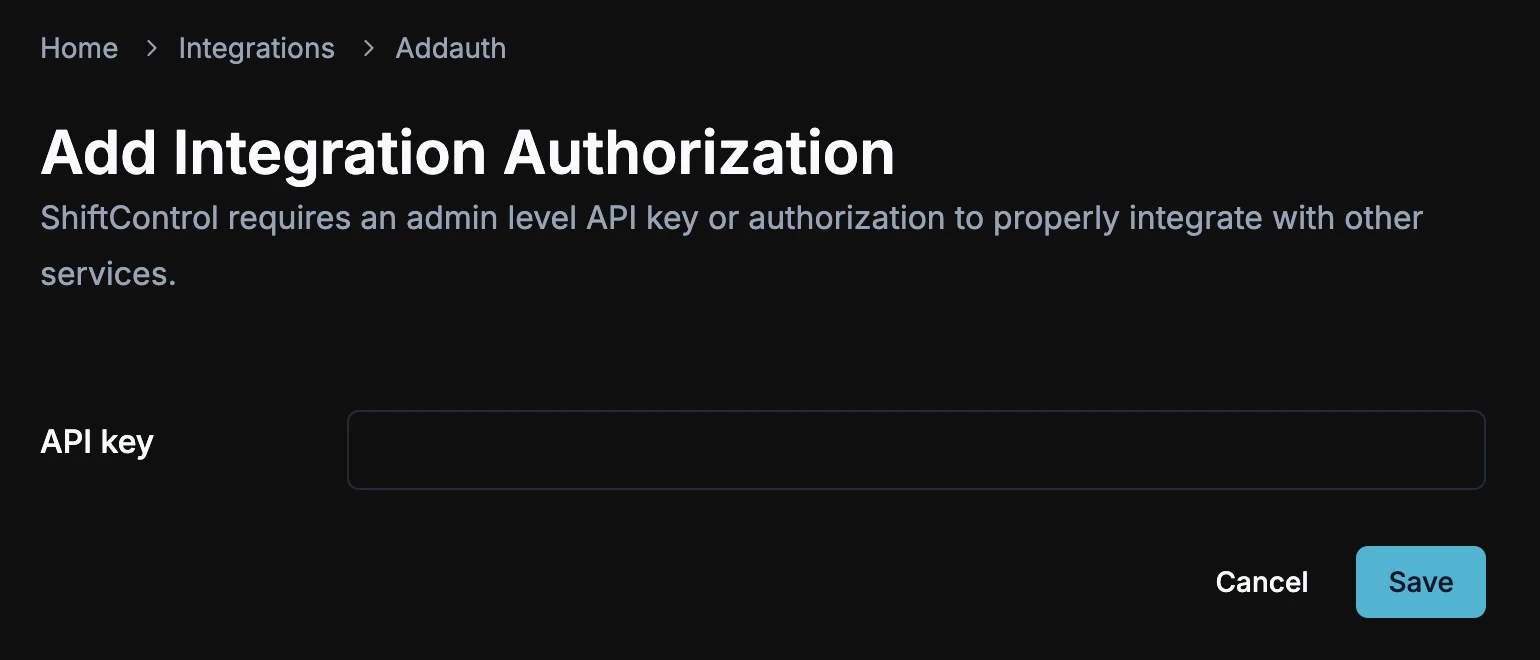
Click Save
Click Save to apply the key and authorize the connector.
Connector Authenticated
Once the key is saved, the connector will be authenticated, and ShiftControl will start interacting with the app.
Adding or Updating an OAuth Connector
For OAuth-based connectors, such as Google Workspace:
Navigate to the Connector to Configure
Click on the action menu for the connector you wish to configure, and click either Add Authorization or Edit Authorization.
Redirect to OAuth Authorization Flow
You will be redirected to the OAuth authorization flow for the chosen connector.
Provide Consent
Follow the flow and provide your consent for ShiftControl to interact with the app.
Return to ShiftControl
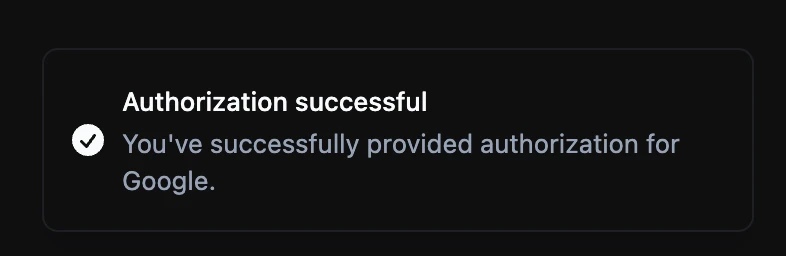
After completing the flow, you will be redirected back to ShiftControl, and you'll see a confirmation message like the one below:
Updating a Connector
To update credentials for an existing connector, follow the same process as when adding a new one—either entering a new API key or going through the OAuth authorization flow again.
Security
All credentials provided, whether through API key or OAuth, are securely stored and used only by ShiftControl systems. We ensure that these credentials are encrypted and accessible only by authorized processes.