Directories
Connect your identity providers and HR systems so ShiftControl can manage your entire organization from one place.
Overview
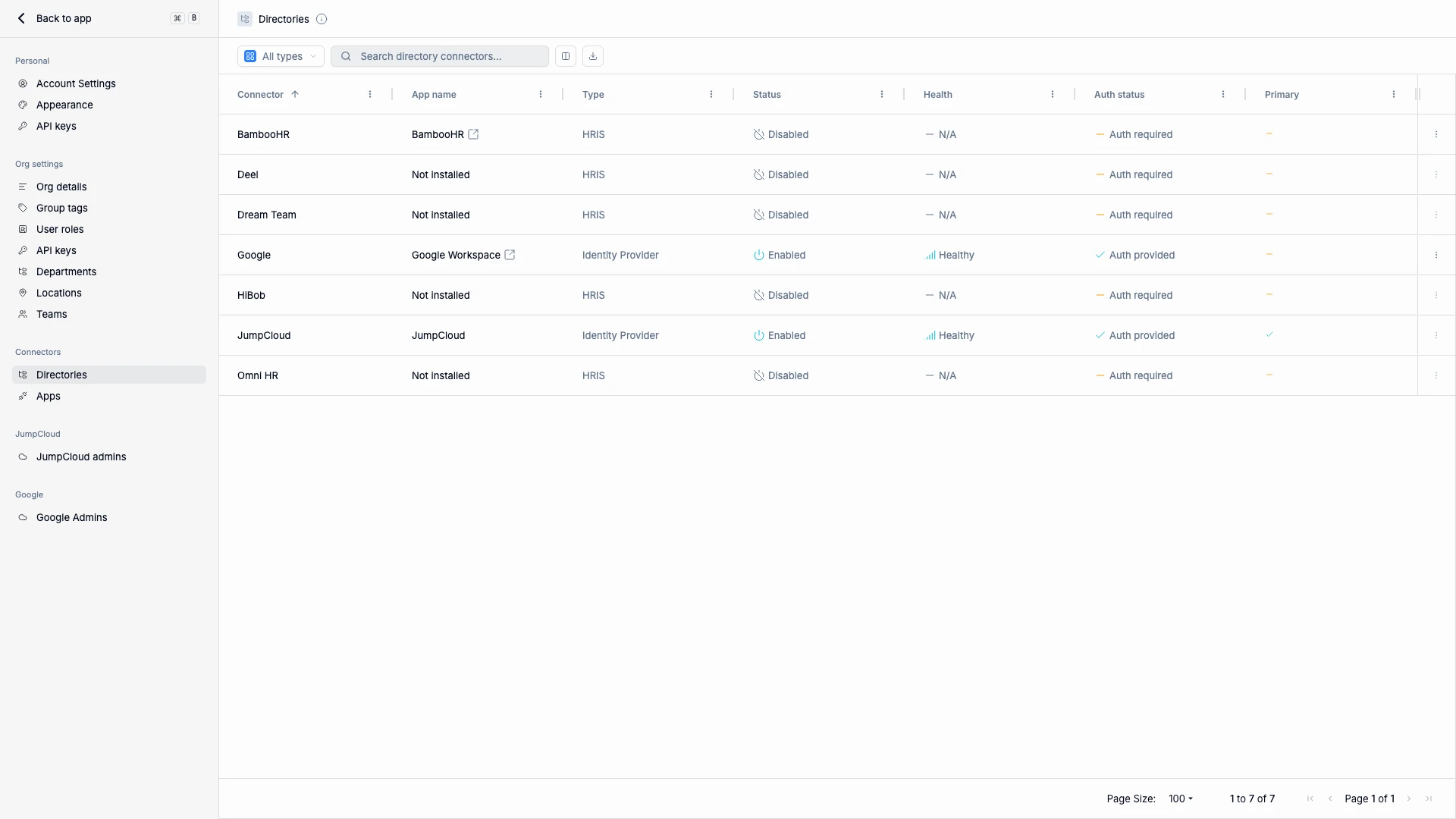
The Directories page is where you connect the external systems that feed data into ShiftControl. These connections are the foundation of everything else — user provisioning, group sync, app access, and security policies all depend on having accurate, up-to-date directory data.
There are two types of directories you can connect:
- Identity Providers (IdPs) — Systems like JumpCloud and Google Workspace that manage authentication, user accounts, and access control. Your IdP is the source of truth for who can log in and what they can access.
- HRIS integrations — Systems like BambooHR, Deel, and HiBob that manage employee records. When someone is hired, promoted, or leaves, the HRIS pushes that change to ShiftControl, which propagates it to your IdP and connected apps.
The most powerful setup combines an IdP and an HRIS. The HRIS handles the people data (departments, managers, start/end dates) while the IdP handles authentication and access. ShiftControl bridges the two so changes flow automatically.
What You See
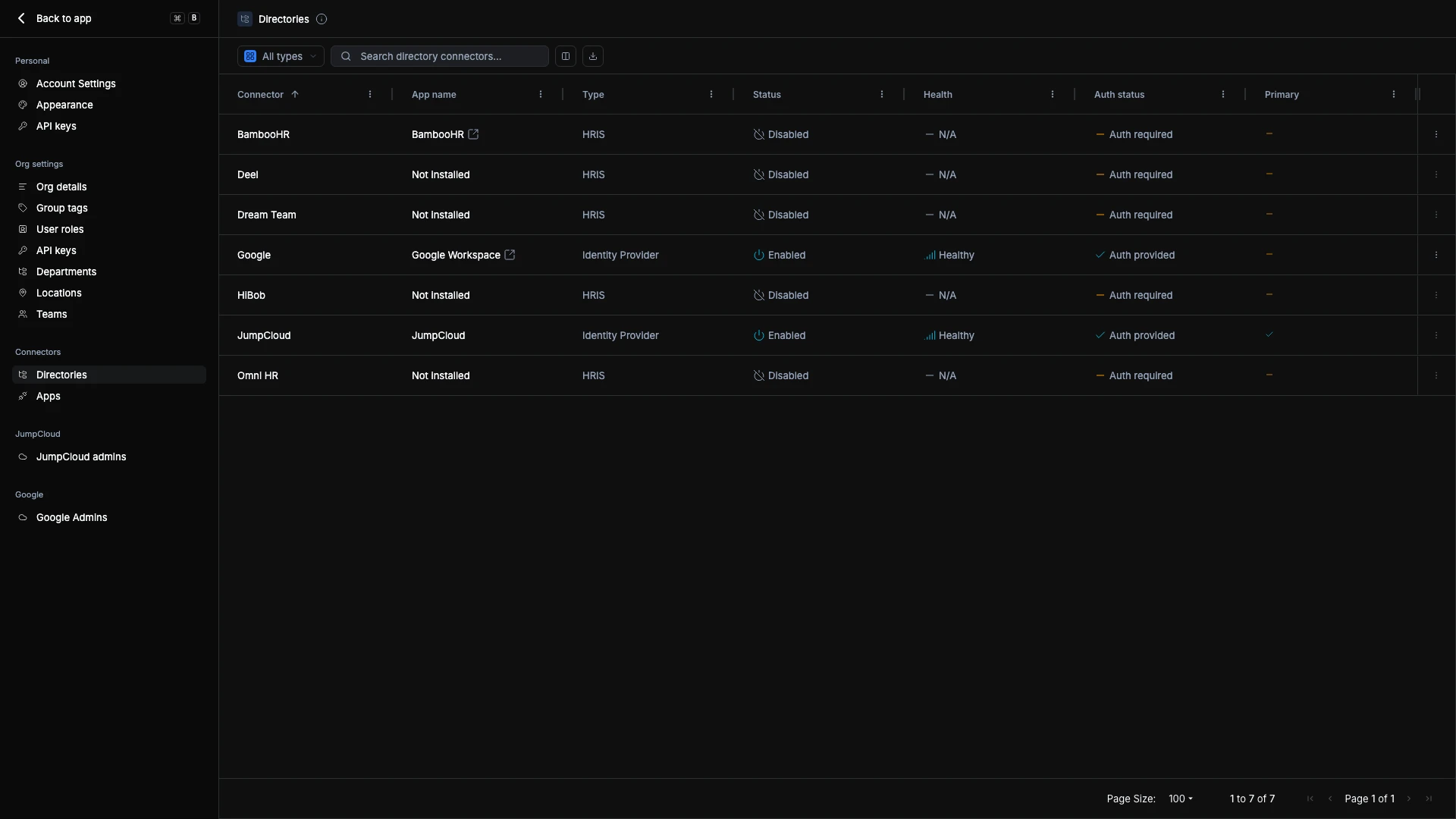
Each directory row shows at a glance whether the integration is healthy:
| Column | What It Tells You |
|---|---|
| Connector | The service name (JumpCloud, Google, BambooHR, etc.) |
| App Name | The corresponding app in your ShiftControl app list |
| Type | Identity Provider or HRIS |
| Status | Enabled (actively syncing) or Disabled (paused) |
| Health | Healthy (sync working), Unhealthy (sync issues), or N/A |
| Auth Status | Whether the integration has valid credentials |
| Primary | Which IdP is the authoritative source for identity data |
Connecting a Directory
- Find the directory you want to connect in the list.
- Click the ⋮ menu and select Authenticate.
- Follow the OAuth or credential flow for that service. Most connectors require admin-level access.
- Once authenticated, the Status changes to Enabled and Health shows Healthy when the first sync completes.
ShiftControl syncs directory data automatically on a regular schedule. The first sync happens immediately after authentication and imports your existing users, departments, and organizational structure.
Managing Directories
After a directory is connected, you can:
- Disable — Pauses syncing but preserves cached data. Useful for troubleshooting or temporary disconnects.
- Reauthenticate — Refresh expired credentials without losing your configuration.
- Set as Primary — Designates which Identity Provider is the authoritative source for user identity data. When two directories have conflicting information about a user, the Primary directory wins.
Things to Know
- Changing the Primary directory is significant. The Primary IdP determines whose data wins in conflicts and which system handles authentication. Don't change this casually — understand the implications for your user accounts first.
- Disabling a directory doesn't delete data. Users imported from a disabled directory remain in ShiftControl. They just won't receive updates until the directory is re-enabled.
- HRIS and IdP serve different roles. Don't try to use an HRIS as your IdP or vice versa. The HRIS knows about people (hiring, departures, transfers). The IdP knows about access (authentication, permissions, app provisioning). ShiftControl connects the two.
Related Features
- Connector Management — Detailed guide to setting up and managing connectors
- Google Workspace Connector Guide — Step-by-step Google Workspace setup
- Settings Overview — Navigate all settings sections