Account & Security
Your profile, security settings, and multi-factor authentication status — all in one place.
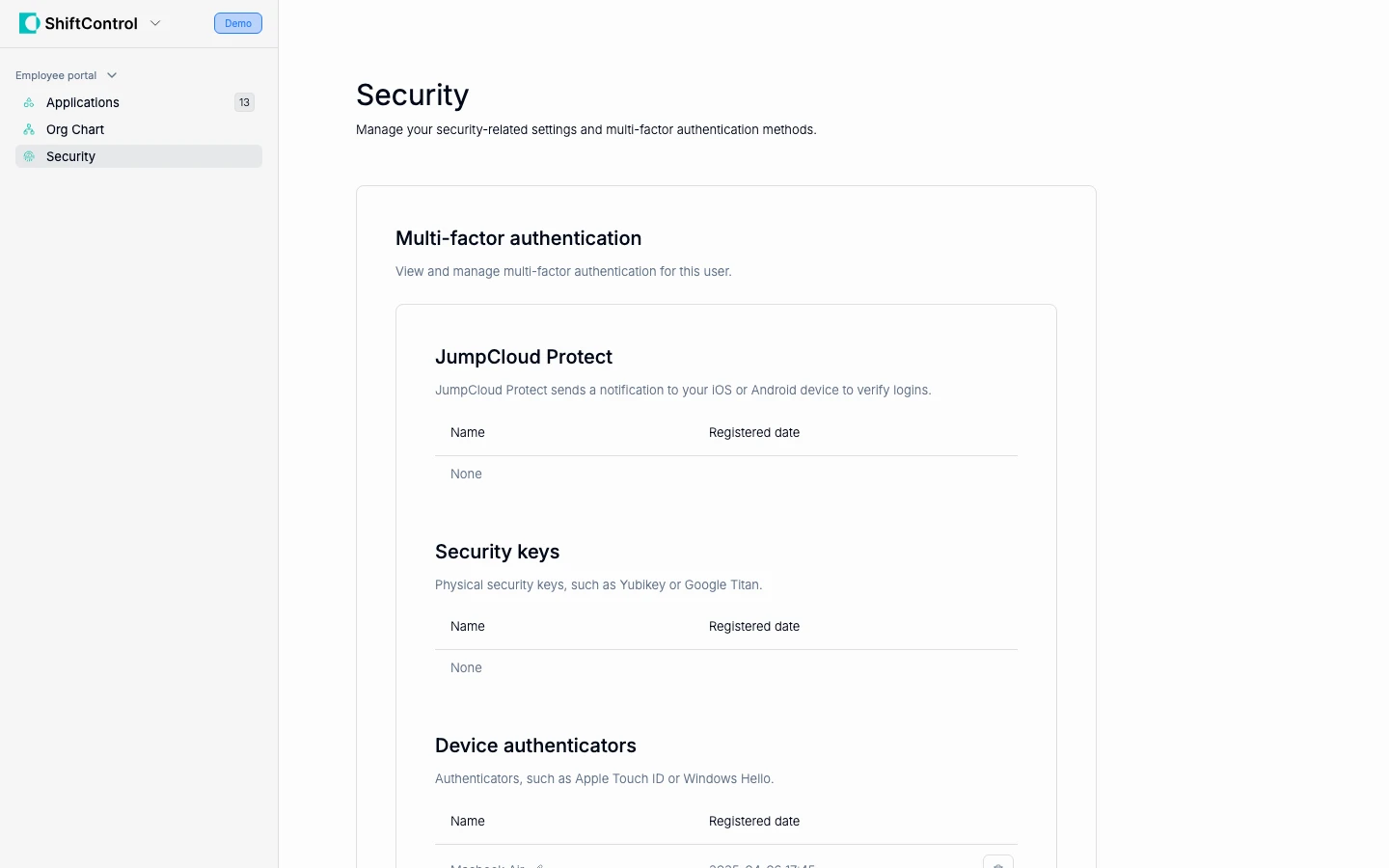
Your Profile
The Security section of the employee portal shows your account information:
- Name and email — Your identity across all connected systems
- Title and department — Your role in the organization
- Manager — Who you report to
If any of this information is incorrect, contact your IT admin — they manage your profile in ShiftControl.
Multi-Factor Authentication (MFA)
MFA adds an extra layer of security beyond your password. Even if someone gets your password, they can't log in without your MFA device (usually your phone).
Why Security Matters
Your work identity gives you access to sensitive company data — email, documents, customer information, and internal tools. MFA ensures that even if your password is compromised (through phishing, a data breach, or someone guessing it), your accounts stay protected.
Never share your MFA codes or approve login prompts you didn't initiate. If you receive an unexpected MFA prompt, it may mean someone is trying to use your credentials — deny it and contact your IT team immediately.