Account & Security
Your profile, security settings, and multi-factor authentication status — all in one place.
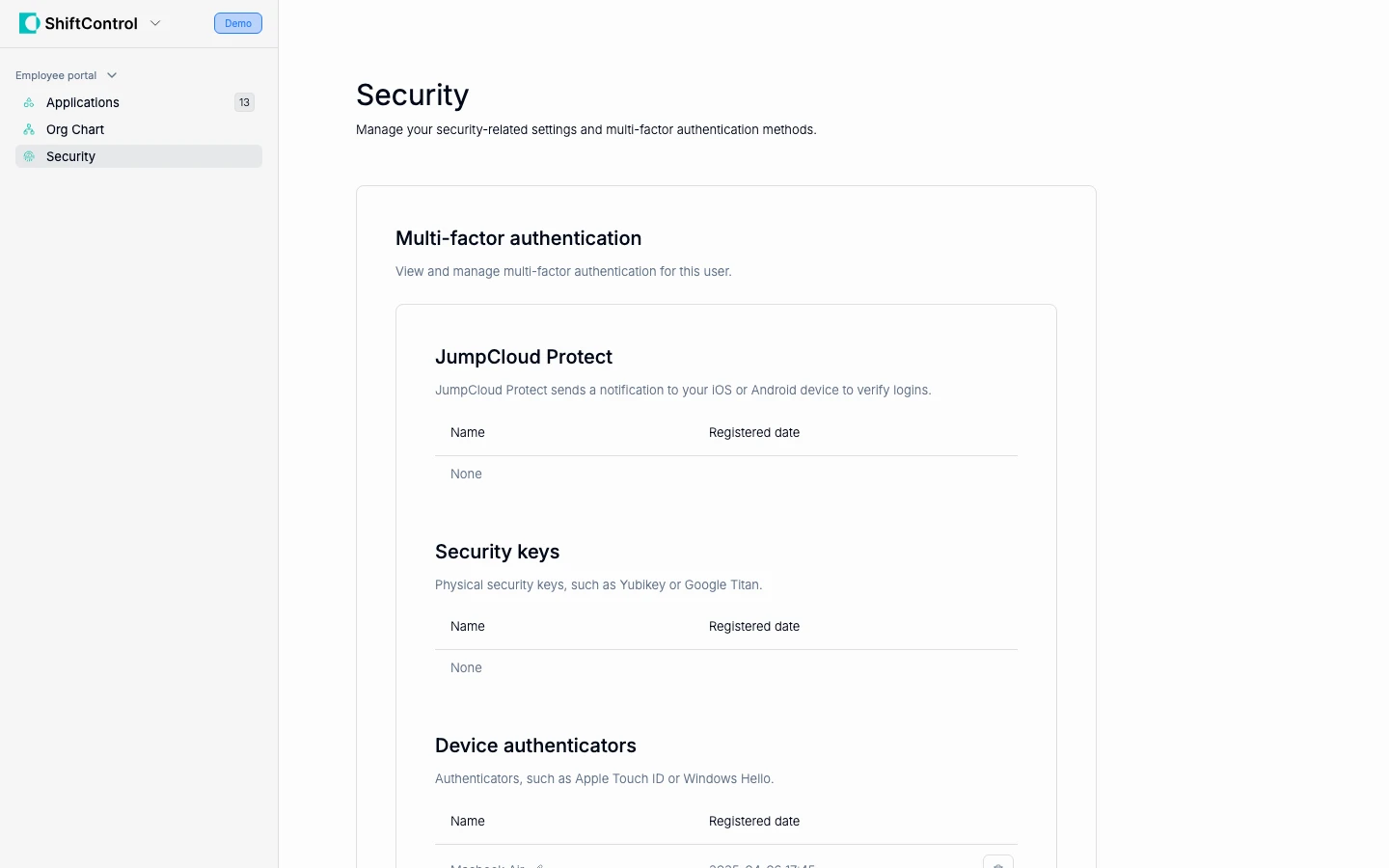
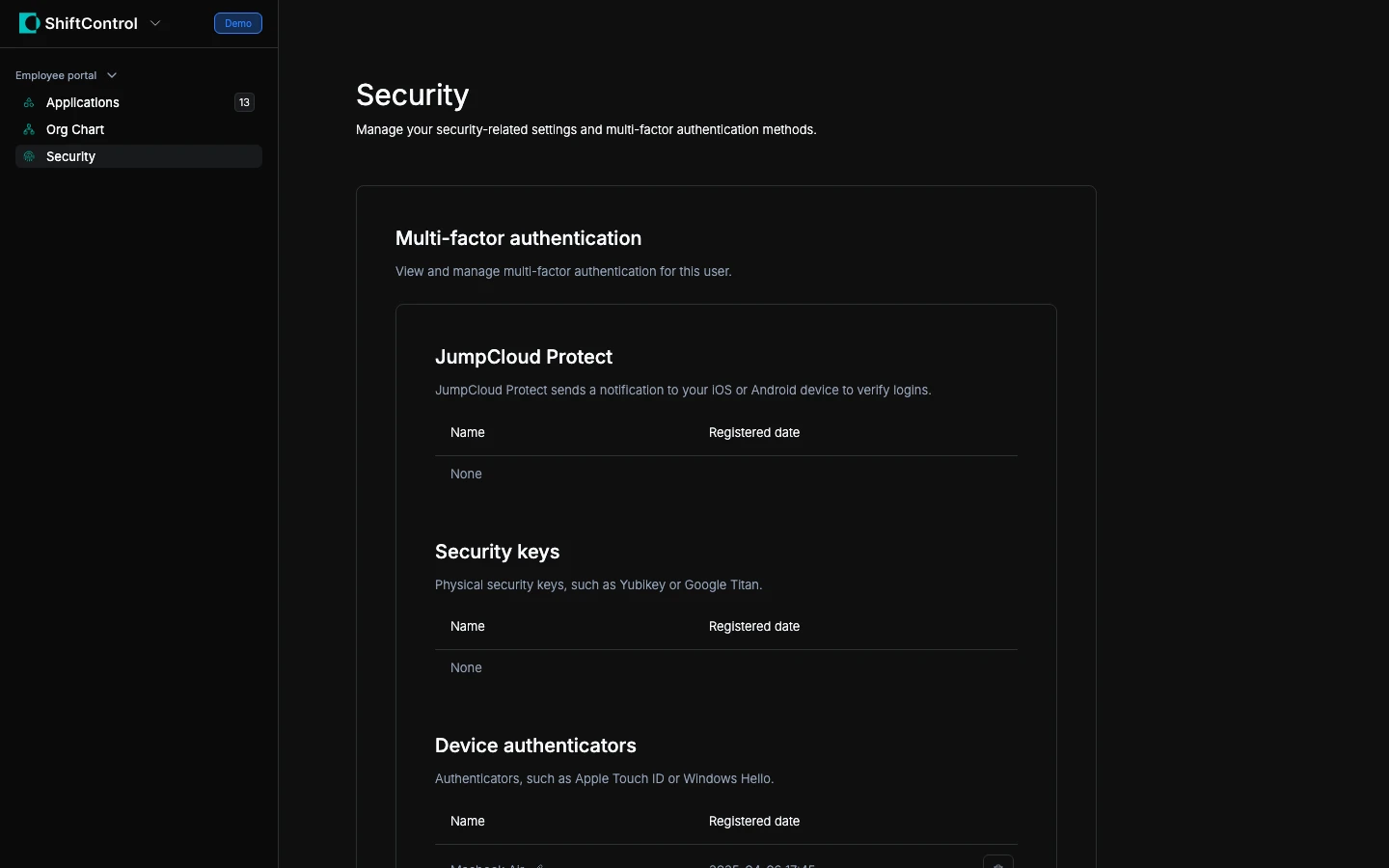
Your Profile
The Security section of the employee portal shows your account information:
- Name and email — Your identity across all connected systems
- Title and department — Your role in the organization
- Manager — Who you report to
If any of this information is incorrect, contact your IT admin — they manage your profile in ShiftControl.
Multi-Factor Authentication (MFA)
MFA adds an extra layer of security beyond your password. Even if someone gets your password, they can't log in without your MFA device (usually your phone).
JumpCloud MFA
Your company uses JumpCloud for MFA on SSO applications. You'll typically use one of these methods:
- Authenticator app — An app on your phone (like Google Authenticator, 1Password, or Authy) that generates a 6-digit code that changes every 30 seconds
- JumpCloud Push — A push notification to your phone that you approve with a tap
- FIDO2 Security Key — A physical key or biometric (TouchID, Windows Hello) for passwordless login
Your security section shows which MFA method you have configured. If it's empty, you need to complete MFA enrollment — your IT team can guide you through this.
Google 2-Step Verification
Since your company also uses Google Workspace, you'll have Google's 2-Step Verification (2SV) enabled as well. This protects your Google account (email, Drive, Calendar) separately from JumpCloud MFA.
You may be prompted for:
- Google prompt — A tap on your phone to verify it's you
- Passkey — Fingerprint or face recognition (the most convenient option)
- Backup codes — One-time codes for emergencies
Manage your Google security at myaccount.google.com/security.
Google 2-Step Verification
Your company uses Google's 2-Step Verification (2SV) to protect your account. This adds an extra check when you log in:
- Google prompt — A tap on your phone to verify it's you
- Passkey — Fingerprint or face recognition (the most convenient option)
- Authenticator app — A 6-digit code from an app on your phone
- Backup codes — One-time codes for emergencies
Manage your security settings at myaccount.google.com/security.
Why Security Matters
Your work identity gives you access to sensitive company data — email, documents, customer information, and internal tools. MFA ensures that even if your password is compromised (through phishing, a data breach, or someone guessing it), your accounts stay protected.
Never share your MFA codes or approve login prompts you didn't initiate. If you receive an unexpected MFA prompt, it may mean someone is trying to use your credentials — deny it and contact your IT team immediately.