App Permissions
Every third-party app you've connected to your account, in one place — and a one-click way to cut off the ones you don't use anymore.
Why this exists
Over time you click "Sign in with Google" or "Allow access" on a lot of tools — a scheduling app here, a one-off PDF converter there. Each of those keeps a standing connection to your account, often long after you've stopped using it. Google does let you review these, but it's buried deep in your account settings and gives you no sense of which ones actually matter.
App Permissions brings that list into the employee portal, in plain language, with a sense of how much access each app has — so cleaning up is something you'll actually do.
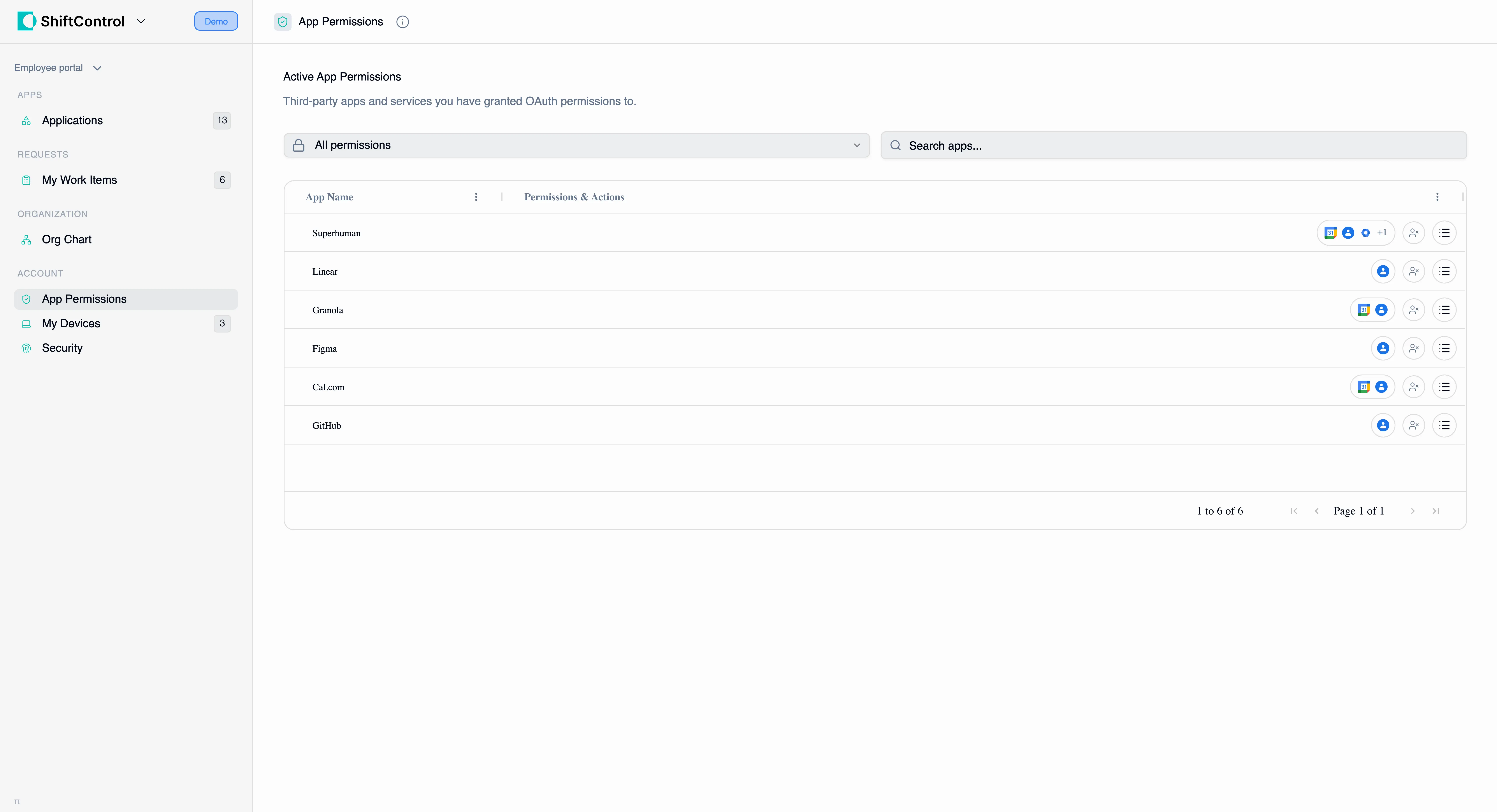
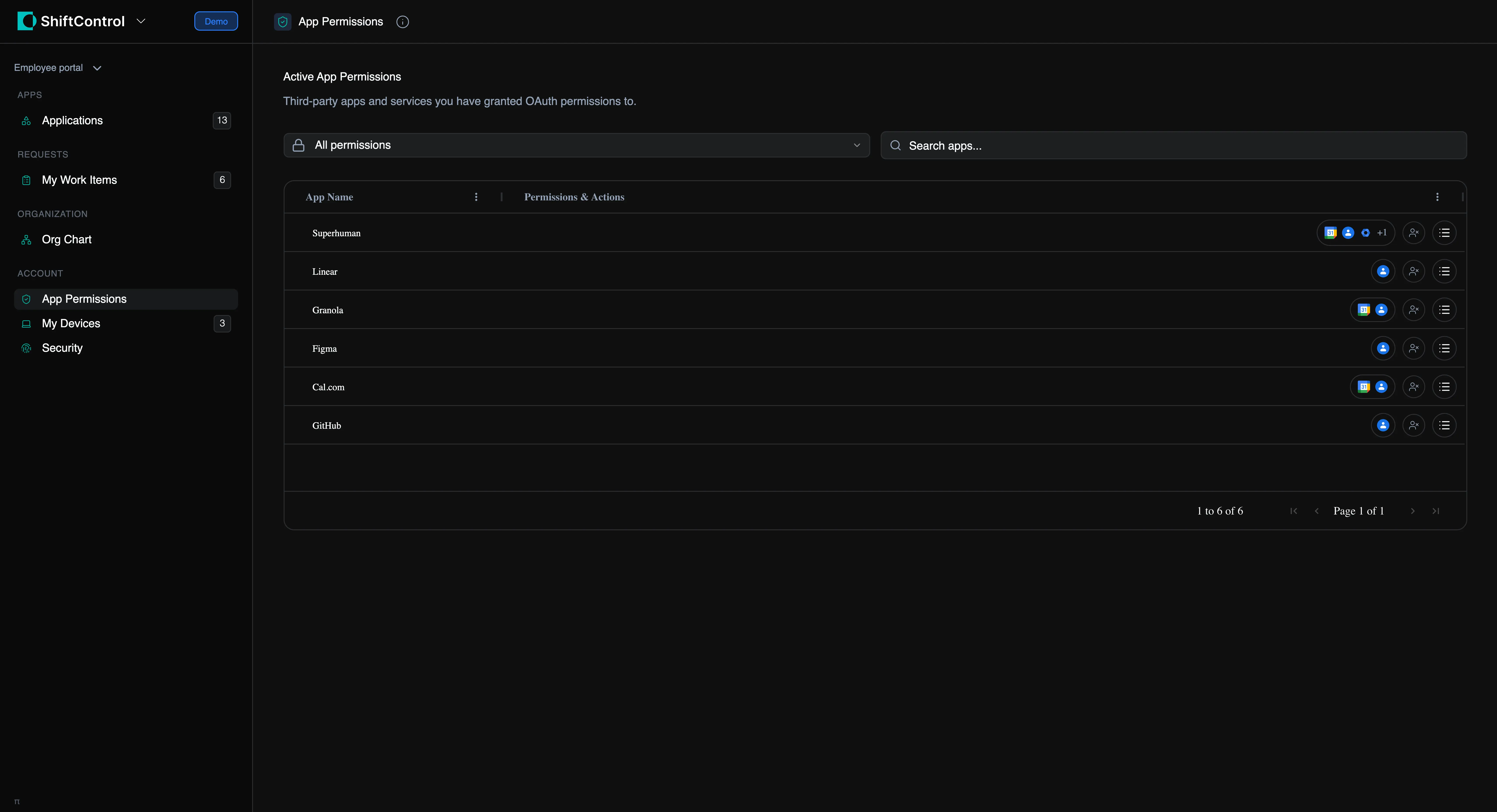
What you'll see
The page lists every third-party app you've granted access to. For each one you'll see:
- The app — its name and icon.
- What it can access — the scopes you granted, like reading your email or managing your calendar.
- How sensitive that access is — an at-a-glance indicator of whether an app has light read-only access or broad control over your account.
- When you authorized it — so you can spot connections you don't even remember making.
Revoking access
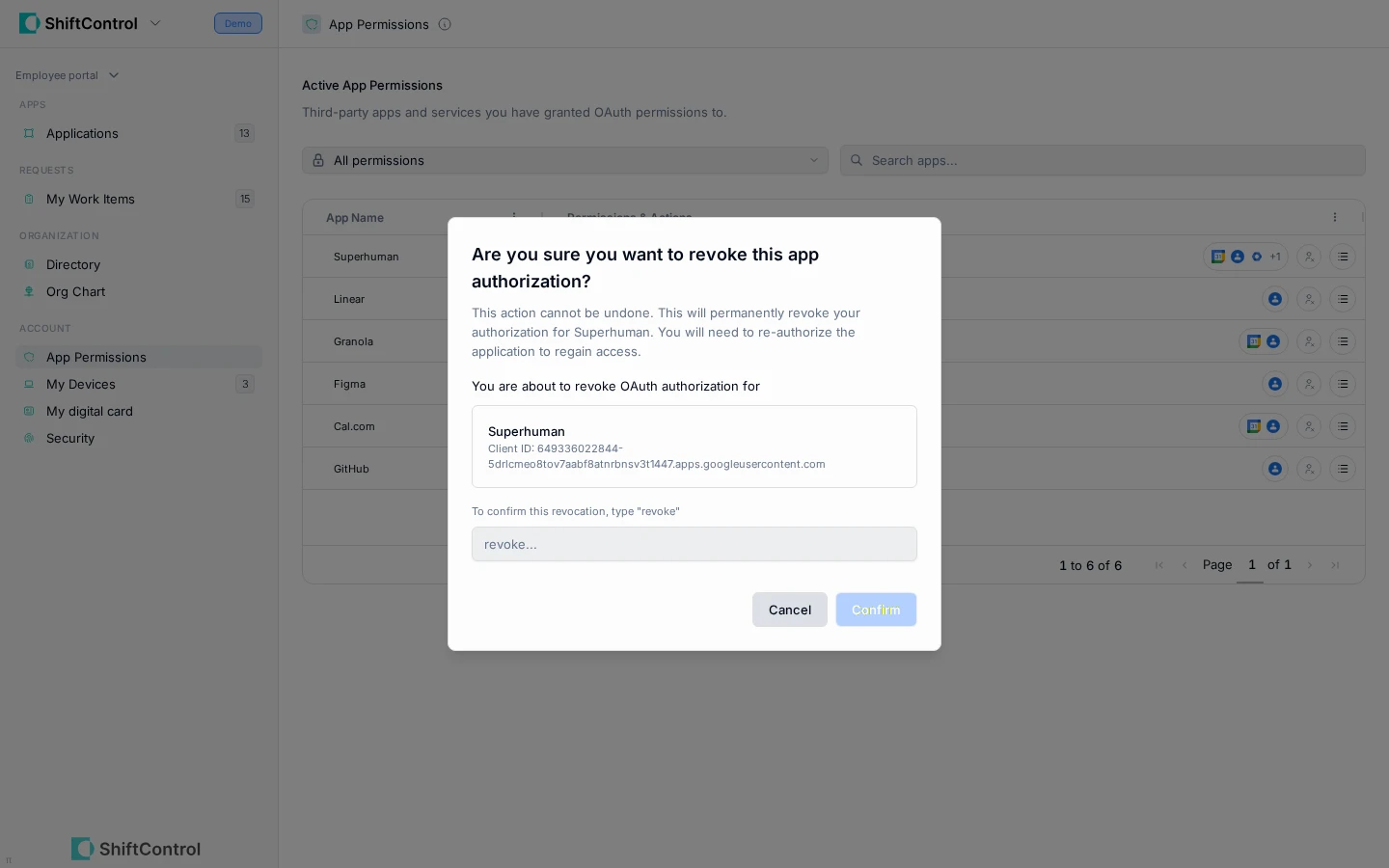
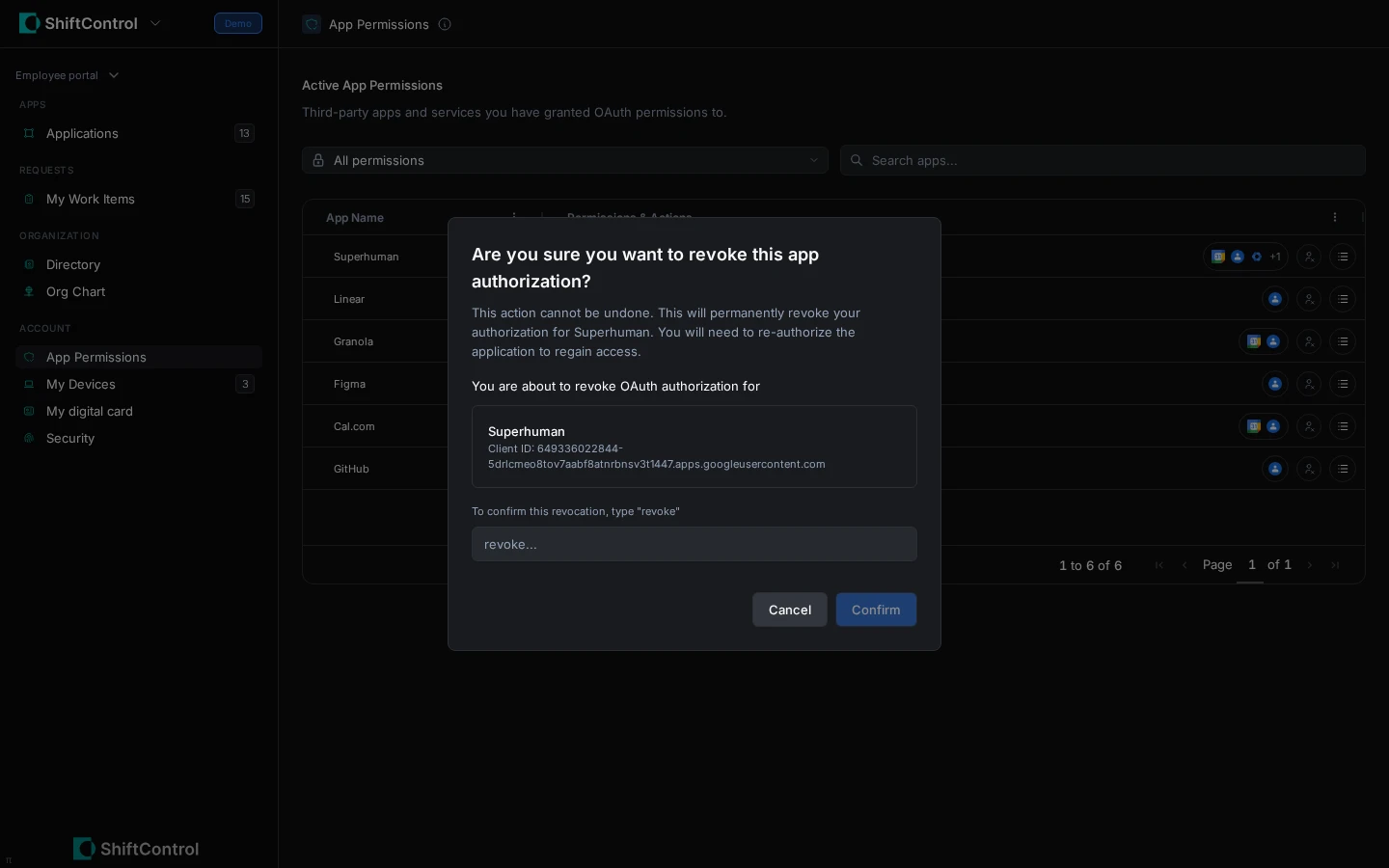
If you see an app you no longer use — or one you don't recognize — you can disconnect it yourself:
- Find the app in the list.
- Click Revoke.
- Confirm by typing revoke.
That's it — the app immediately loses access to your account. There's a deliberate type-to-confirm step so you never cut off a tool you rely on by accident.
Revoking only removes an app's standing connection to your account. If you need that app again later, you can simply sign in and re-authorize it. When in doubt, revoking anything you don't actively use is good security hygiene.
Common questions
Will revoking an app break my sign-in to ShiftControl?
No. This page is about third-party apps you've connected to your Google account. Your ShiftControl and core work-app access is managed by your IT team and isn't affected.
Does my IT team see this too?
Yes — admins have an organization-wide view of app permissions from their dashboard. This page simply gives you the power to clean up your own connections without waiting on anyone.
Related
- Your Apps — the work apps your company has given you.
- Account Security — manage your own login and security settings.