Org Chart
See who's who in your organization — find colleagues, understand team structures, and see reporting lines.
Using the Org Chart
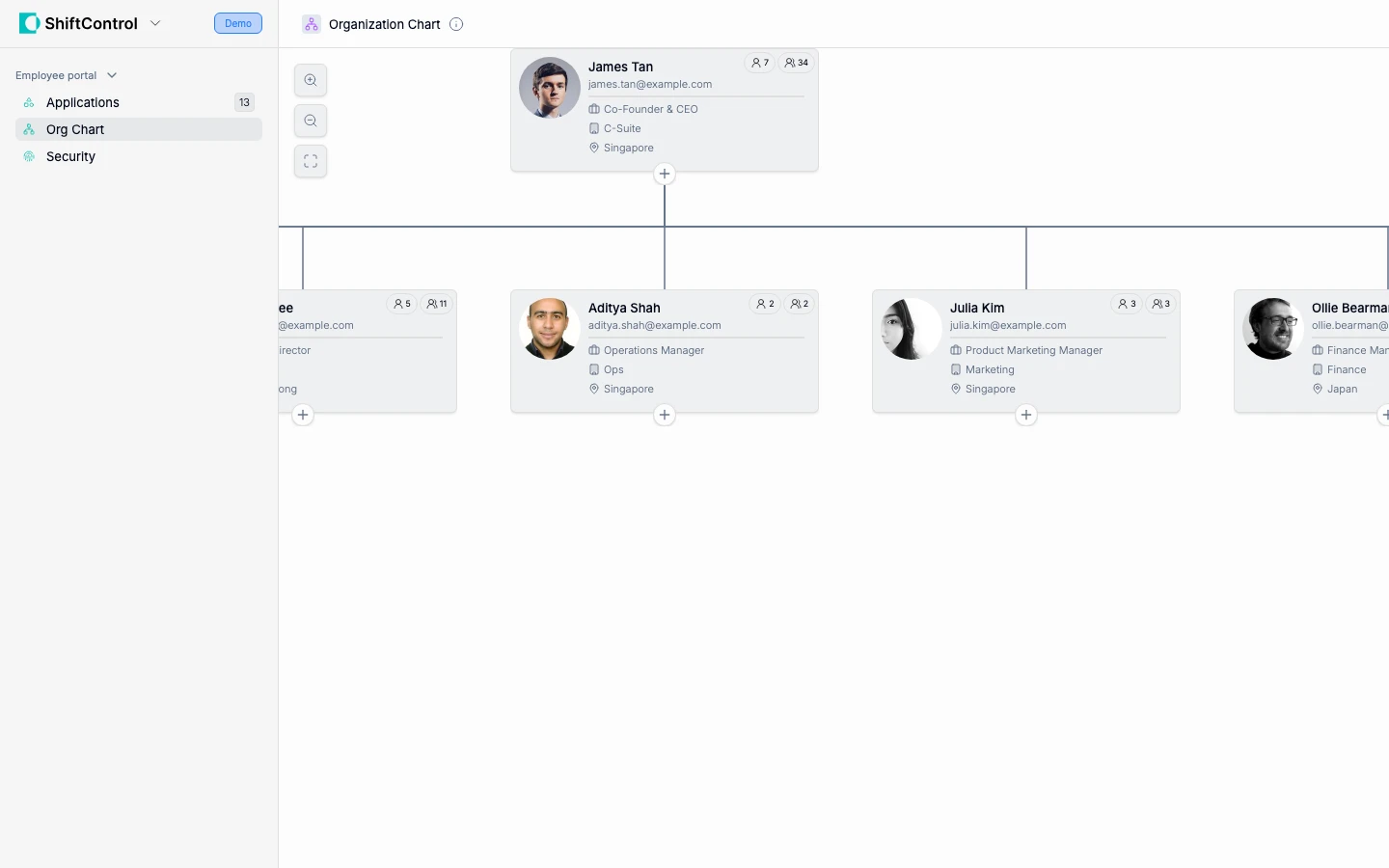
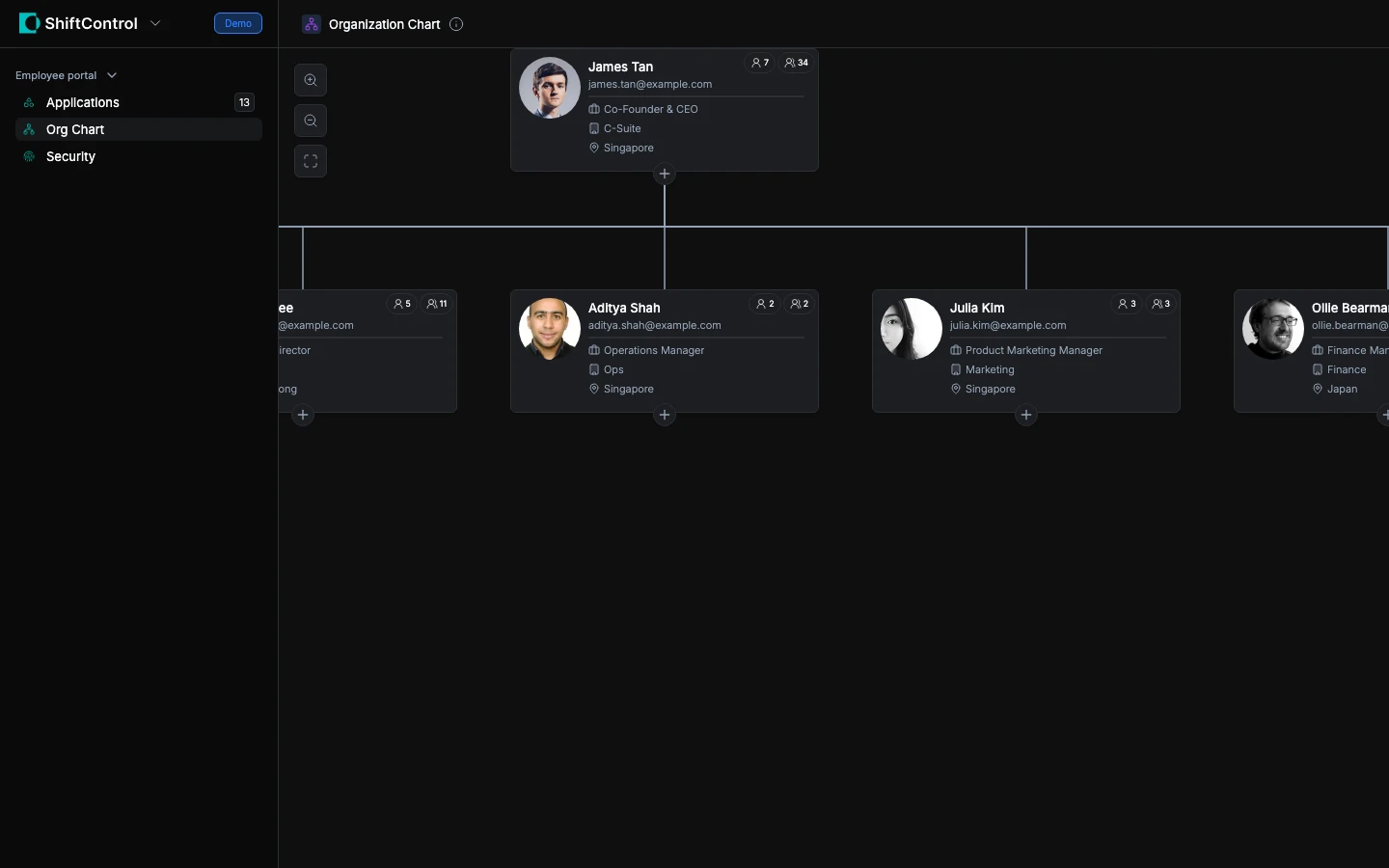
The Org Chart in ShiftControl shows your organization's structure visually. You can:
- Find colleagues — Search by name to locate anyone in the company
- See reporting lines — Understand who reports to whom
- Browse teams — Navigate the hierarchy to see how departments and teams are organized
- View profiles — Click on any person to see their title, department, and contact information
Who Appears in the Org Chart
The org chart is built from the same data your IT team manages in ShiftControl. Everyone who has been added to ShiftControl appears here, organized by their manager, department, and team assignments.
If you notice incorrect information (wrong manager, missing team member), contact your IT admin — they can update it in ShiftControl and the change will reflect here immediately.
If you don't see the Org Chart in your employee portal, your company has chosen to disable this feature. Your organization may use a different tool for viewing the org chart — check with your IT admin or manager.