Your Apps
All your work apps in one place — click to open, and ShiftControl handles the login.
Your App Dashboard
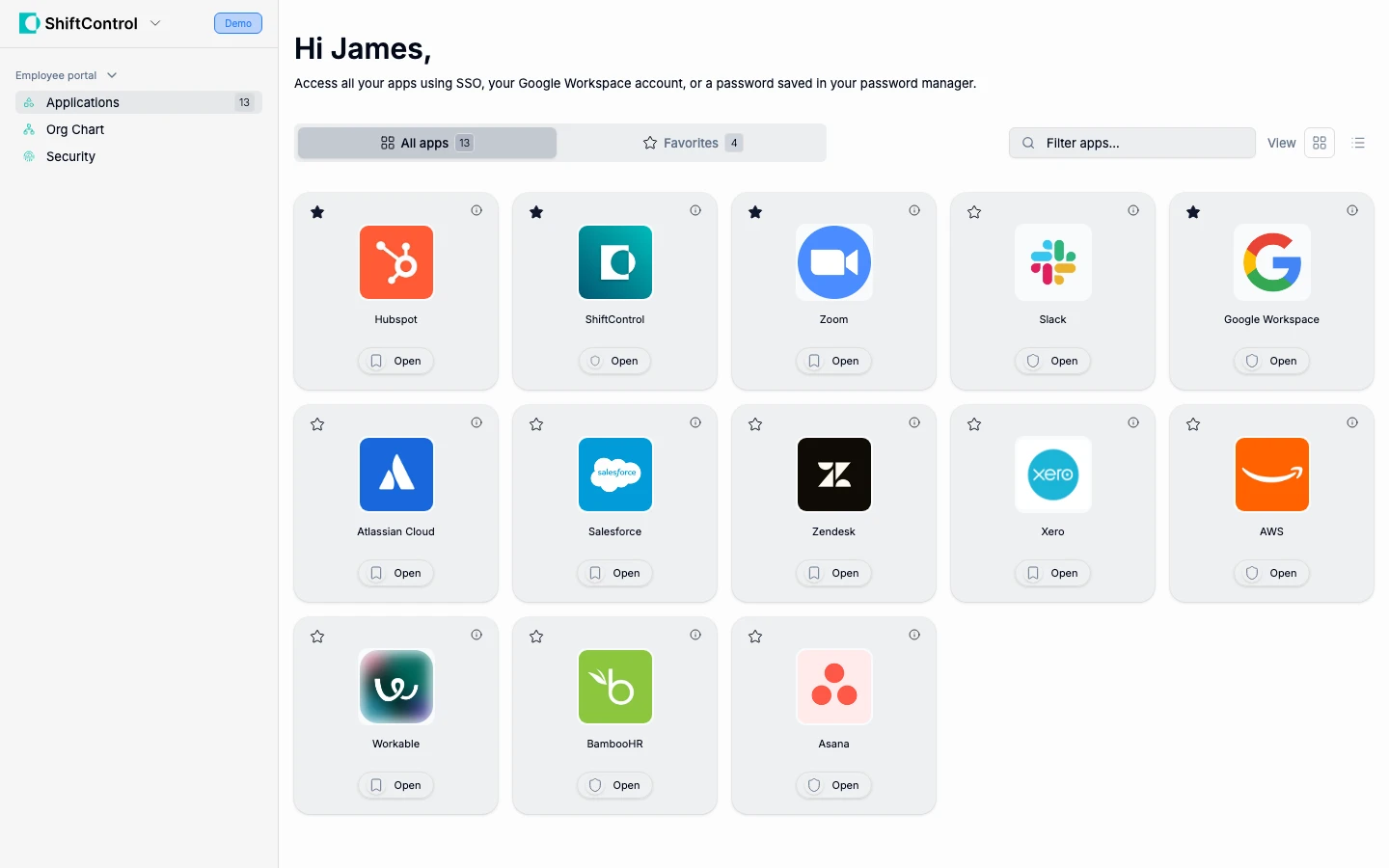
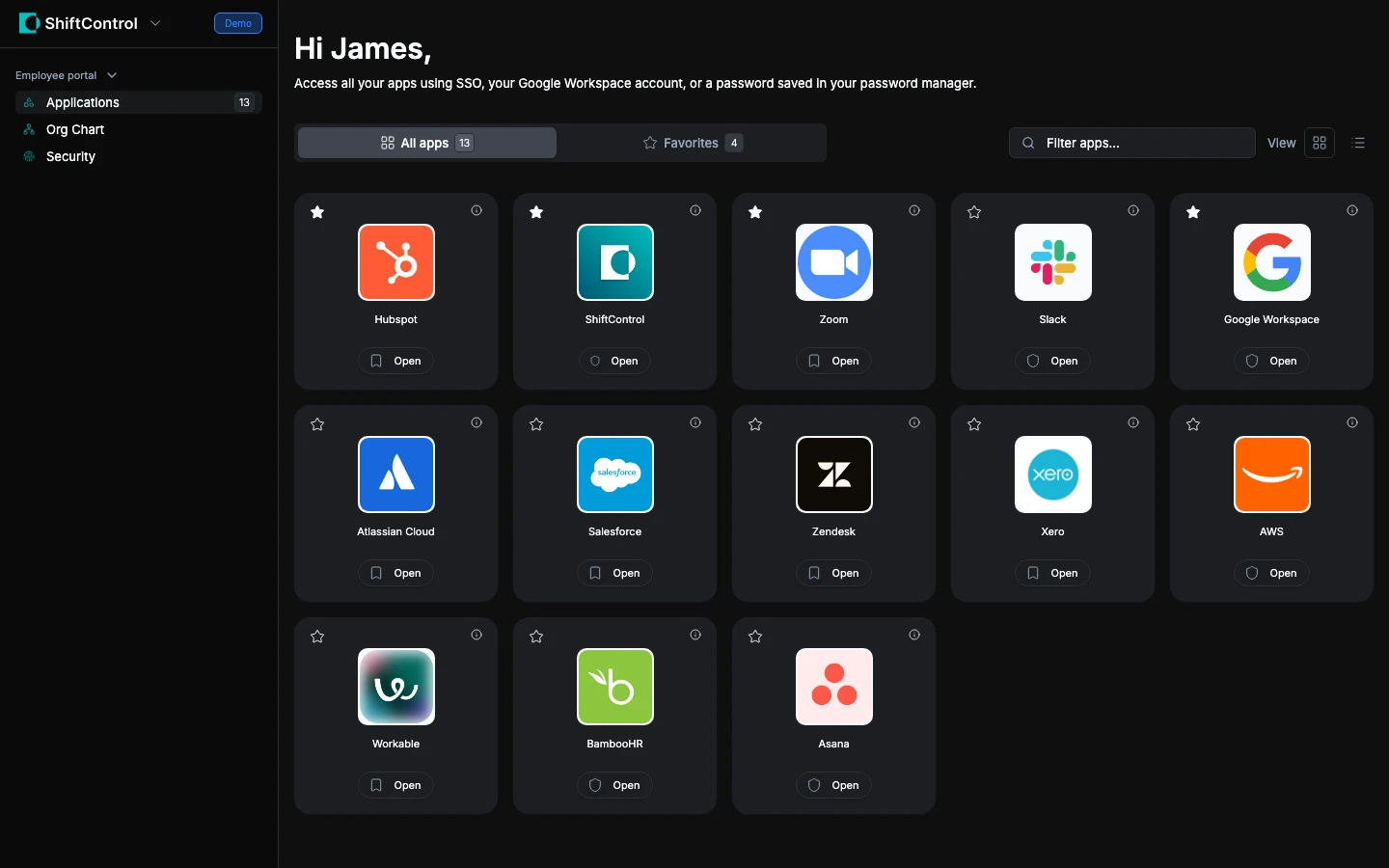
When you log in to ShiftControl, you see your App Dashboard — a grid of all the applications your company has given you access to. These are the tools you use for your job: email, chat, project management, HR systems, and more.
To open an app, just click it. Depending on how the app is set up, one of two things happens:
Finding Apps
Your apps are organized so you can find them quickly:
- All apps — Shows everything you have access to
- Favorites — Apps you've starred for quick access
- Search — Type part of an app name to filter the grid
Missing an App?
If you need access to an app that isn't on your dashboard:
- Check with your manager — App access is usually based on your team, department, or role. Your manager can request access for you.
- Contact IT — Your IT admin can add you to the right group in ShiftControl, which automatically grants access.
info
You can't add apps to your dashboard yourself — access is managed by your IT team through groups. This ensures everyone has the right level of access for their role.