The Hub
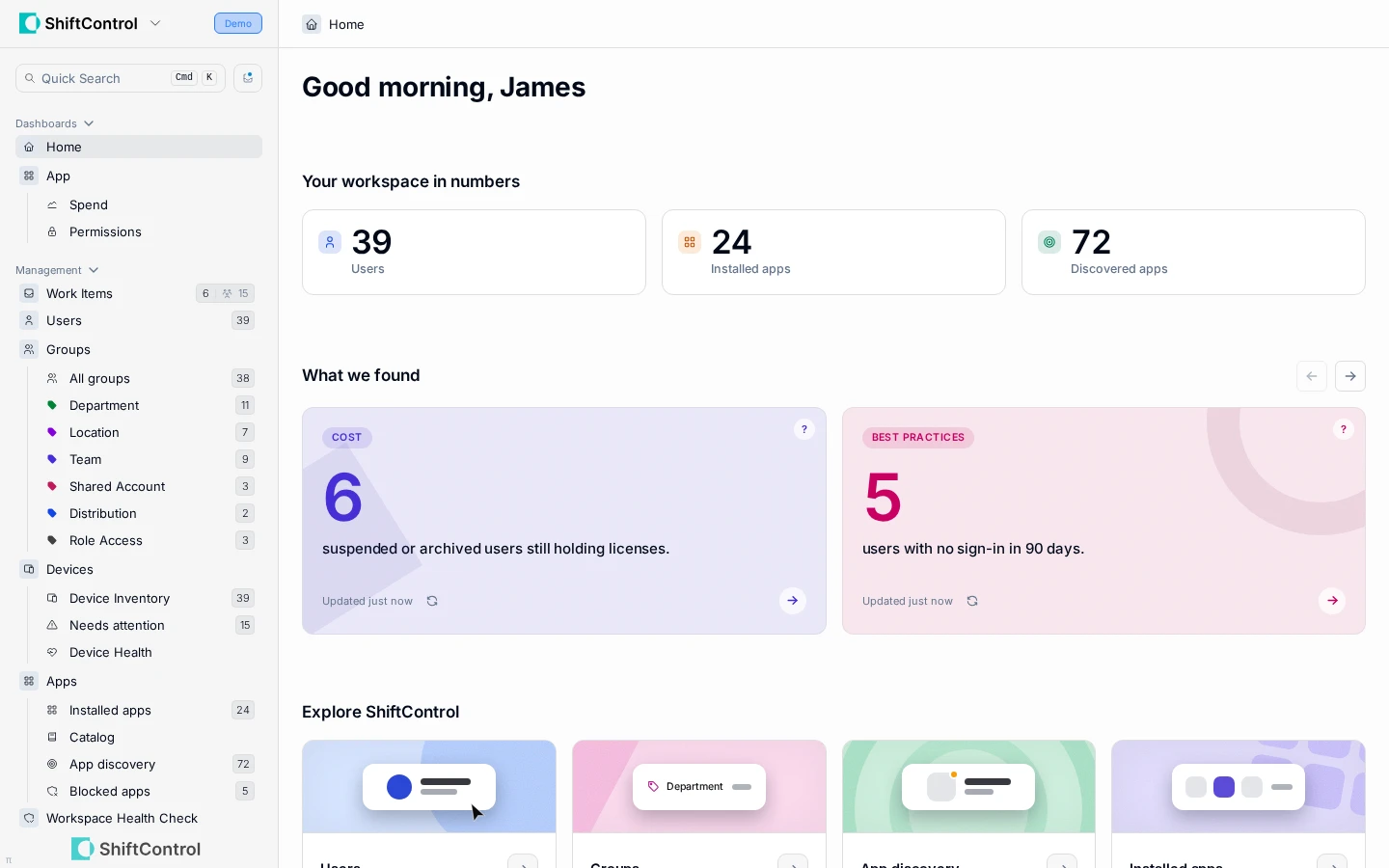
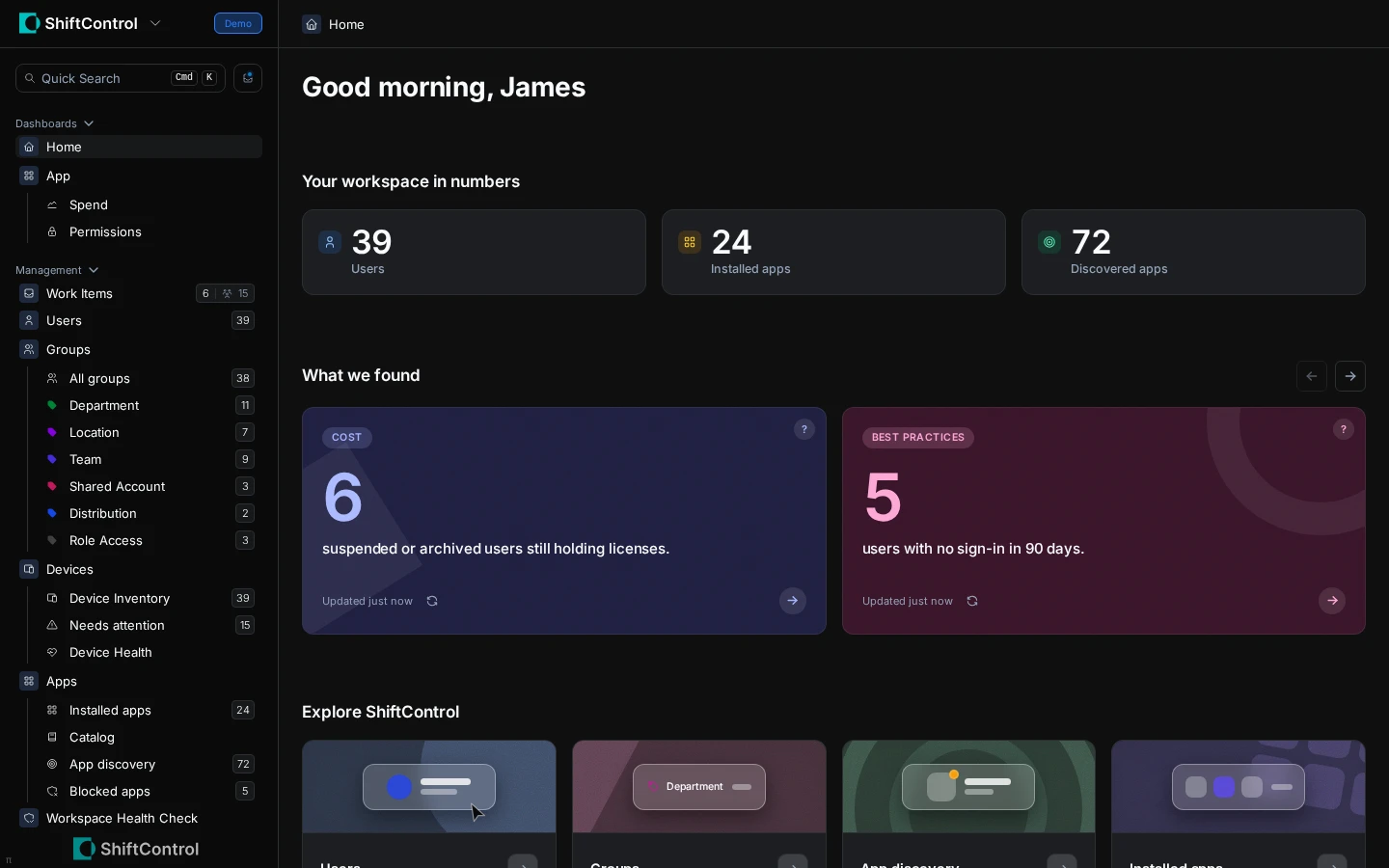
Sign in and you land here: your workspace in numbers, what we found that's worth your attention, and a door into every part of the product.
Overview
The Hub is ShiftControl's home page. It answers three questions the moment you sign in:
- How big is your workspace, actually? Users, installed apps, and discovered apps as live counts.
- What's worth your attention? Things ShiftControl has spotted — unused seats, dormant accounts, people without 2-Step Verification, apps holding sensitive access.
- Where do you go next? A labelled door into every part of the product, each one saying what it's actually for.
Every number on the page is a link, so anything we flag is one click away from the people or apps behind it.
How It Works
There's nothing to set up — the Hub is where you land when you sign in, and it's reachable any time from Home in the sidebar.
- Workspace counts give you the real size of your environment at a glance.
- What we found surfaces the things worth knowing before you think to go looking for them: security problems like dormant accounts and missing 2SV, plus cost items like unused seats.
- Every figure is clickable. A flagged count takes you straight to the filtered list behind it — for example, the dormant accounts view in User Management — instead of leaving you to rebuild the query yourself.
- Cards for admins link through too. Rows that name people — like your admins — open that person's record directly.
Recommendations about your connection
When something about your setup deserves attention, the Hub shows a card about it at the top of the page. For example, if Google Workspace connects through one admin's OAuth authorization, the Hub recommends upgrading to the Google Workspace Marketplace app, so the connection belongs to your organization instead of one person.
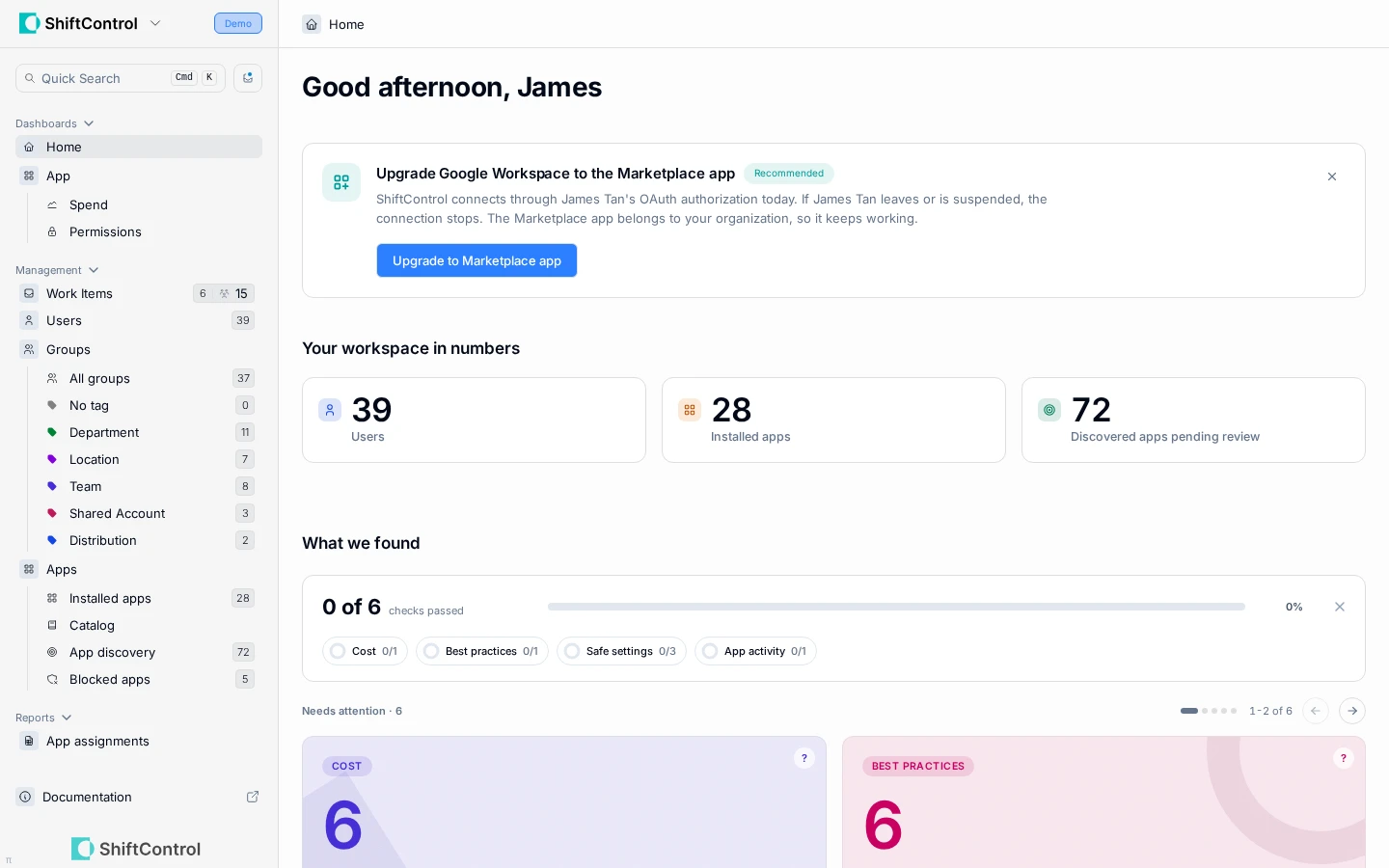
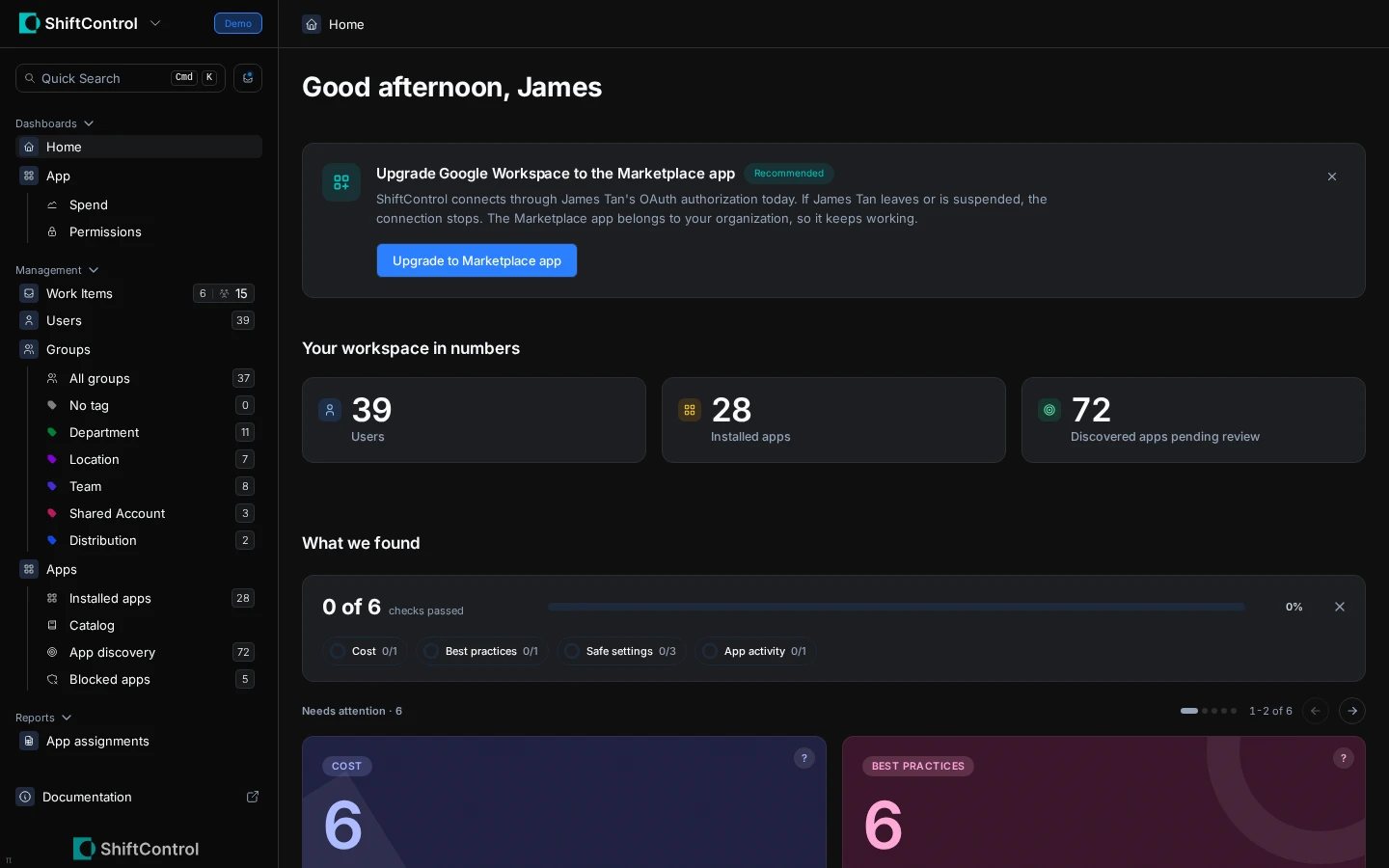
The card follows the upgrade from start to finish:
- Upgrade Google Workspace to the Marketplace app — select Upgrade to Marketplace app to start. See Upgrade an existing OAuth connection.
- Install the Marketplace app with a Super Admin account — ShiftControl couldn't confirm that you're a Google Super Admin. Install the app with a Super Admin account, or select Ask an admin to send the request to one.
- Waiting for the install in Google — the request is open. You can leave the page, or reopen the Marketplace listing.
- Finish upgrading to the Marketplace app — the app is installed, and ShiftControl needs the email of the Super Admin it should connect as.
- Google Workspace now runs on the Marketplace app — the switch is done. Select View connection to see the details.
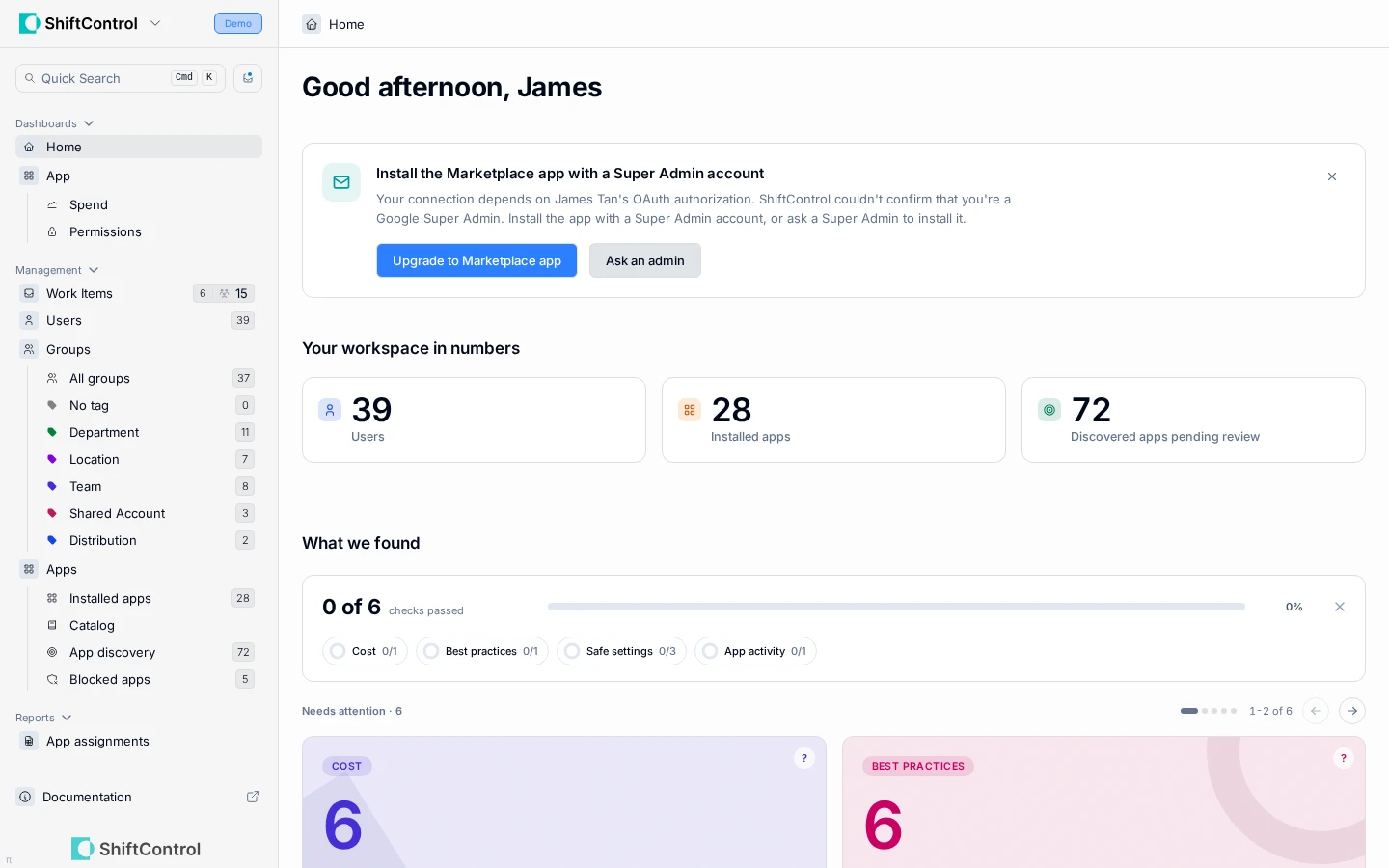
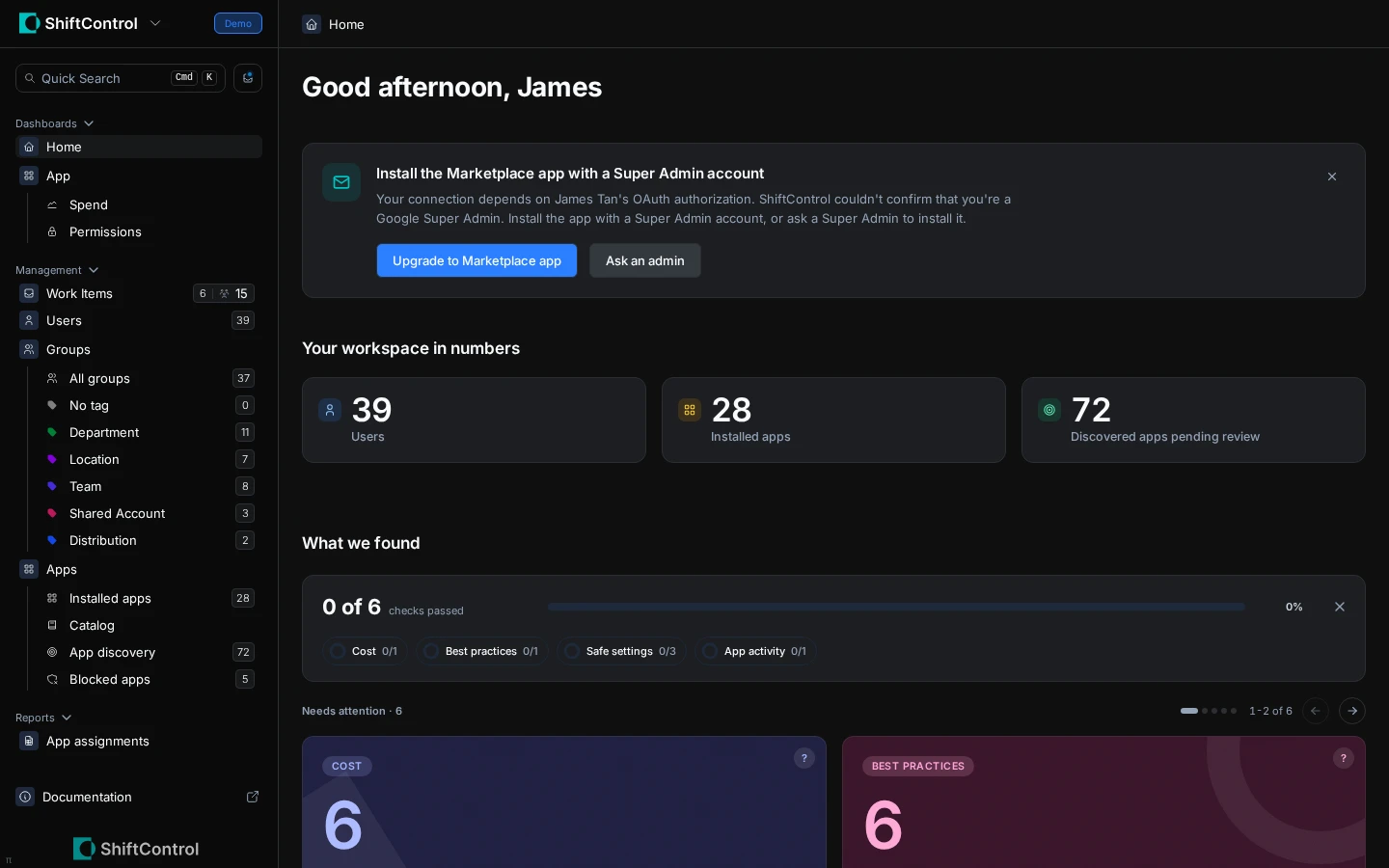
If you dismiss the card, you can still upgrade from Settings → Directories.
Common Scenarios
Scenario: A Monday-morning security sweep
Open the Hub, scan What we found for dormant accounts and users without 2-Step Verification. Each count links to the exact list of people, so you can work through them one by one — no report to build first.
Scenario: Chasing down wasted spend
The Hub flags apps with unused seats. Click through to the affected apps, check their subscription details, and right-size the licence at renewal instead of discovering the waste on the invoice.
Things to Know
- Freshness is visible. Each card shows when it was last updated, and a refresh button lets you pull the latest numbers on demand.
- It's a starting point, not a report. For deeper analysis, use the Dashboards and Reports sections.
- This is where the product is heading. Expect the Hub to surface more — upcoming contract renewals, ways to spend less, and additional security findings — as it grows.
Related Features
- User Management — act on the people the Hub flags
- App Spend Dashboard — dig into the cost numbers behind unused seats
- Directories — connect Google Workspace through the Marketplace app
- The Command Bar — the fastest way to jump from the Hub to anywhere