Adding an App
Add apps from a catalog of 900+ pre-configured integrations, or create custom apps for anything not listed.
Overview
Every app your organization uses should be in ShiftControl — whether it supports SSO or not. Adding an app makes it available in the employee portal, enables group-based access management, and lets you track subscription costs.
From the App Catalog
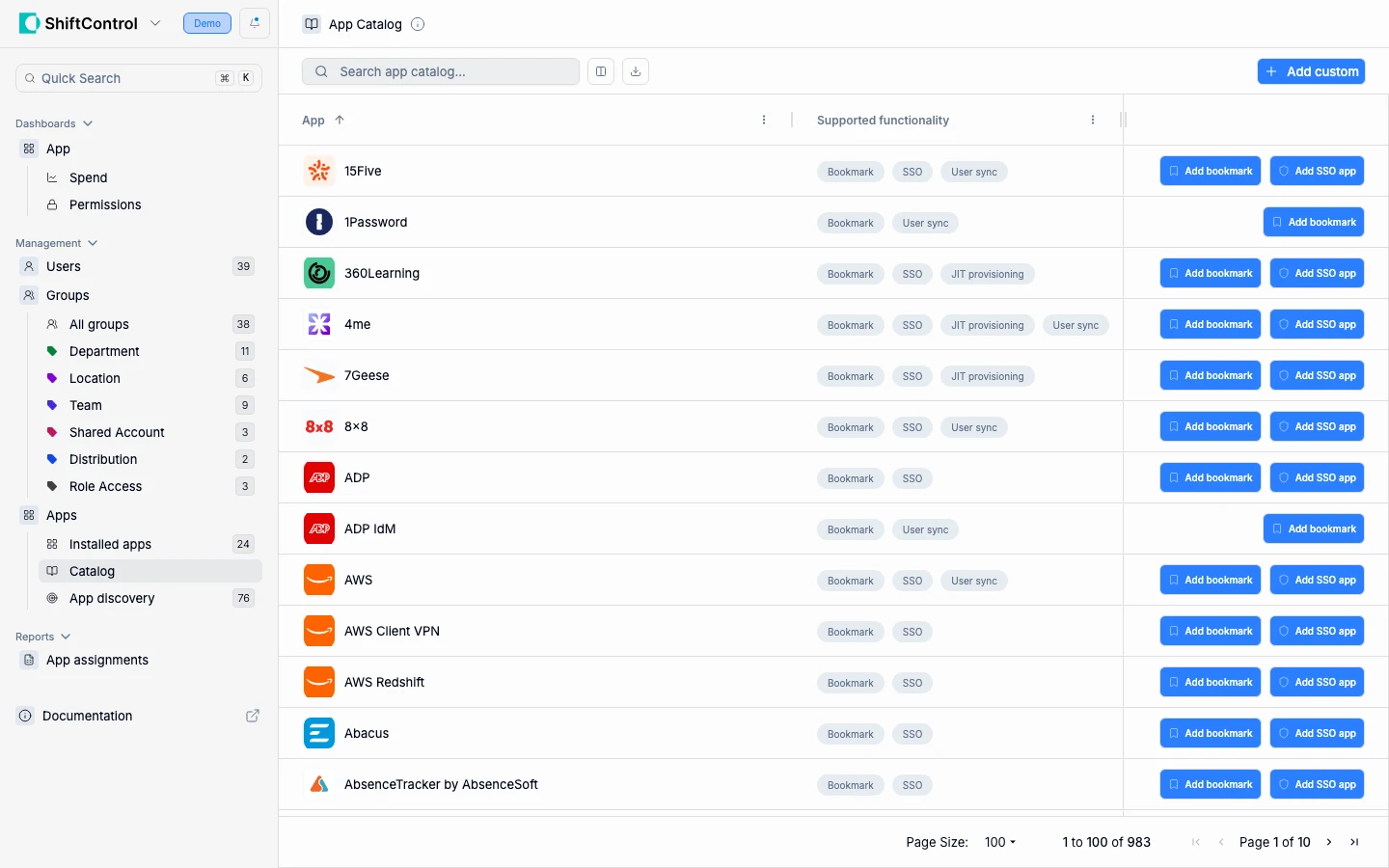
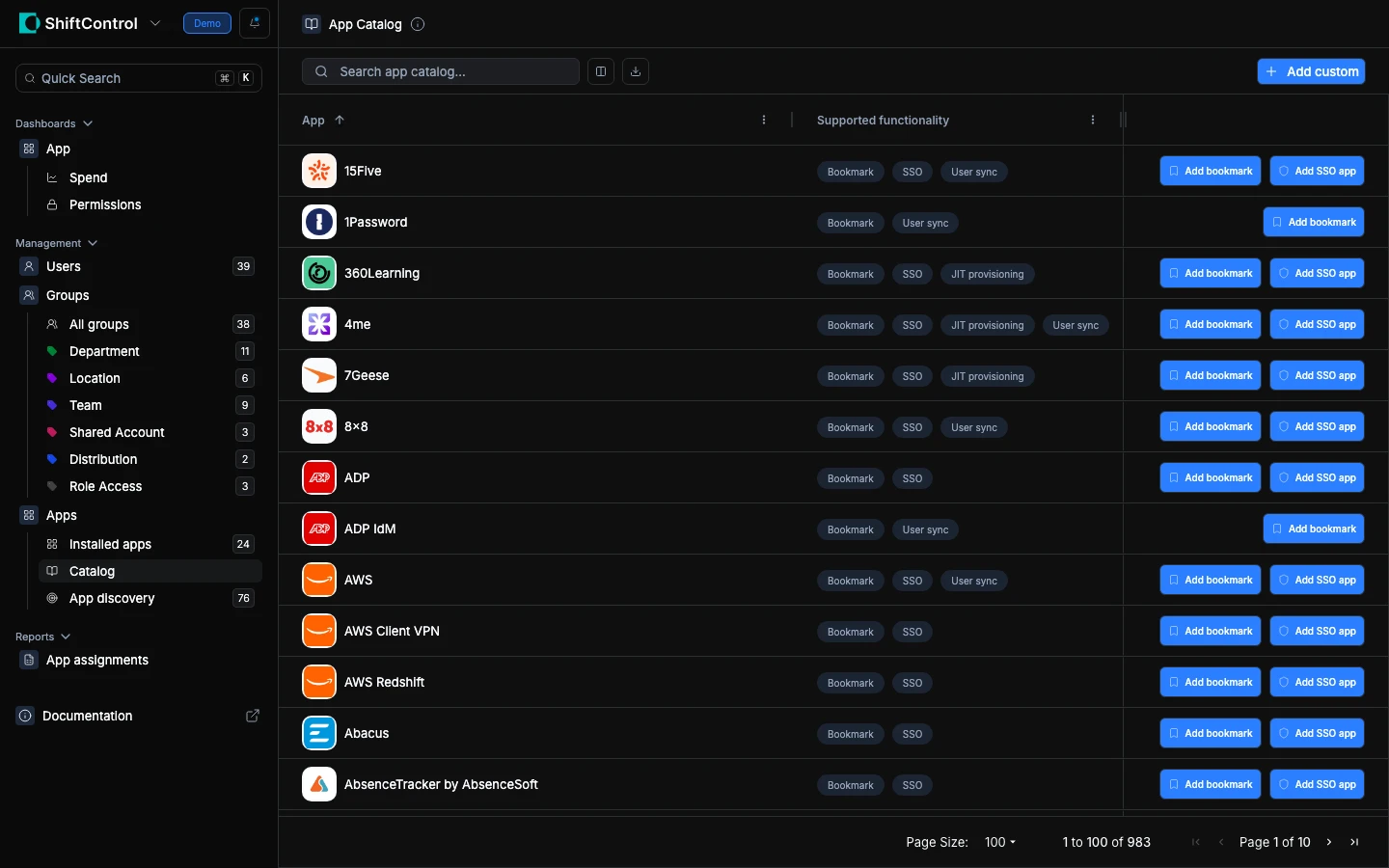
The catalog contains 900+ pre-configured apps. Each listing shows what the app supports — Bookmark, SSO, JIT provisioning, User sync — so you know your options before adding.
Open the catalog
Go to Apps and click Add new app to open the catalog.
Find your app
Search by name. The catalog filters in real time.
Choose the app type
Click Add SSO app for full single sign-on, or Add Bookmark for a portal link without SSO. SSO is the more secure option if the app supports it.
Click Add to add the app to your organization's portal.
Configure the app
Set the app name, description, and ownership details. For bookmarks, enter the URL. For SSO apps, configure the SAML or OIDC settings (you can do this later if you don't have them yet).
Assign access
Assign groups to control who gets access. All members of the assigned groups will see the app in their portal.
Save
Click Save. The app is now available to assigned users.
Custom Apps
If your app isn't in the catalog, click Add Custom and choose:
- Custom SSO Integration — For apps that support SAML or OIDC but aren't in the catalog. You'll need the SSO configuration details from the app vendor.
- Custom Bookmark — For any app you want in the employee portal. Enter the app's login URL and assign groups.
The setup flow is the same as catalog apps — configure, assign groups, save.
Things to Know
- Catalog apps are pre-configured. SSO settings, logos, and metadata are pre-filled. You may still need to configure the app vendor side (e.g., entering the IdP URL in the vendor's admin panel).
- Bookmarks can be upgraded to SSO later. Add an app as a bookmark now and upgrade it to SSO SAML or OIDC at any time without losing group assignments.
- SSO configuration varies by app. Check the App Guides for step-by-step SSO setup for popular apps.
- Group assignments are the recommended approach. They scale better than individual assignments and automatically include new group members.
- Apps appear in the employee portal immediately. Once saved and assigned, users see the app in their dashboard.
Related Features
- App Management — View and manage all installed apps
- Viewing an App — Review app configuration and assignments
- Editing an App — Modify settings after creation
- App Discovery — Find apps your users are already using via OAuth