Card Offboarding
Every card someone hands out lives on after they leave. Decide now what those links do — so nobody has to remember later.
Overview
A digital card is only as good as its cleanup story. A card handed out at a conference last year is still in someone's phone, still in an email signature, still on a printed lanyard. When the person leaves, that link has to do something — and the worst answer is "keep showing their contact details indefinitely because nobody remembered."
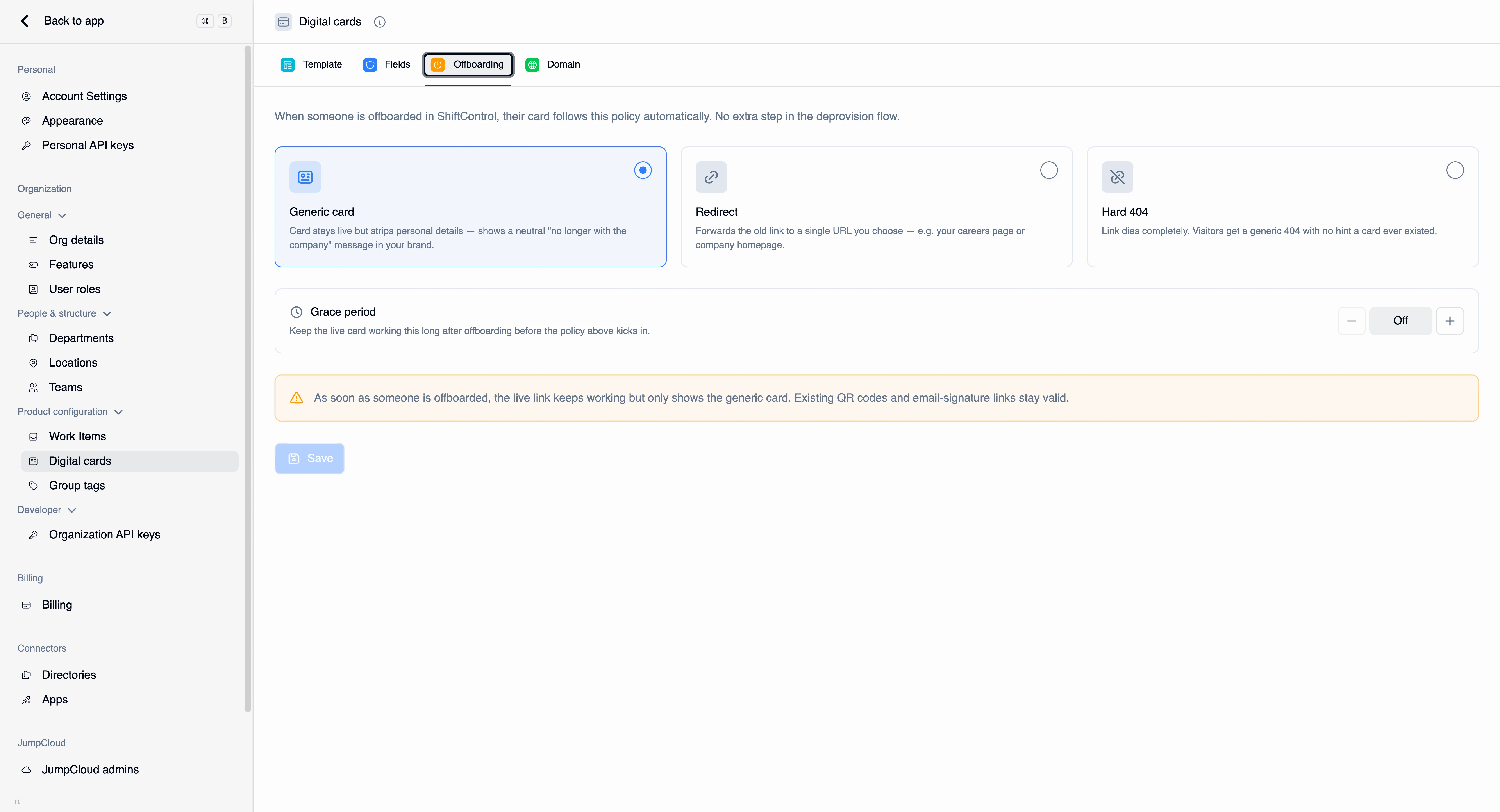
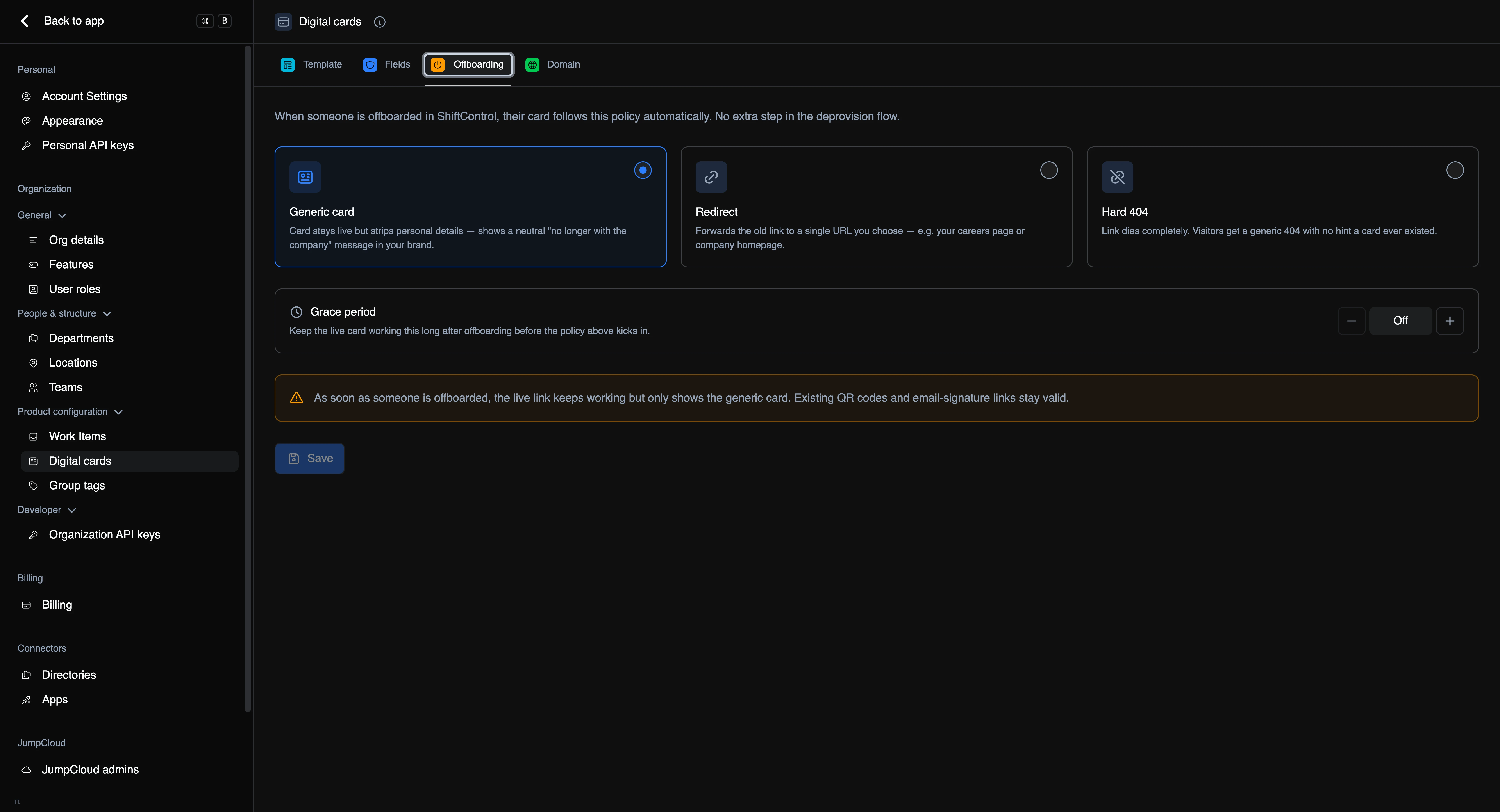
The Offboarding tab sets that behavior in advance, once, for the whole organization. When someone is offboarded in ShiftControl, their card follows this policy automatically. There's no extra step in your deprovisioning flow and nothing to remember.
Find it under Settings → Digital cards → Offboarding.
How It Works
Offboarding a user in ShiftControl emits an event that the card system picks up. Once the grace period (if any) has elapsed, the person's card switches to the policy you chose here. You don't publish, unpublish, or delete anything by hand.
Pick one of three defaults.
Generic card
The card stays live but strips the personal details, showing a neutral "no longer with the company" message in your branding.
The live link keeps working, and existing QR codes and email-signature links stay valid — they just resolve to the generic card instead of a person. Whoever scans an old card gets a coherent, branded answer rather than an error.
This is the right default for most organizations. It's the least confusing outcome for the person on the other end of the card.
Redirect
The old link forwards to a single URL you choose — your careers page, your company homepage, or a "contact us" page.
Existing QR codes and links follow the redirect. Use this when you'd rather capture the visitor than explain the departure: someone scanning a departed salesperson's card lands on your site instead of a dead end.
Hard 404
The link dies completely. Visitors get a generic 404 with no hint that a card ever existed there.
This is the strictest option and the right one when even acknowledging that a person worked for you is something you'd rather not do — some regulated and security-sensitive environments require exactly this.
Every QR code and email-signature link for that person stops working, with no explanation to whoever scans it. Choose it deliberately, not by default.
Grace Period
The grace period keeps the live card working, unchanged, for a set number of days after offboarding — then the policy above takes effect.
It's set in days, up to a year, and Off means the policy applies immediately. Press and hold the stepper buttons to move quickly.
A grace period is worth setting when handovers are real: a departing account manager's clients may keep scanning their card for weeks, and a short window means those people reach a working card while the relationship is transferred. Set it to Off when the departure needs to be clean and immediate — for a for-cause exit, for example.
The tab shows a banner spelling out exactly what happens once the grace period ends, worded for whichever policy you've selected, so you can sanity-check the combination before saving.
Common Scenarios
Scenario: A normal departure with a handover
Your default is Generic card with a 30-day grace period. A salesperson leaves. For 30 days their card works exactly as before, so clients mid-conversation aren't cut off while accounts are reassigned. After that, the same link shows your branded "no longer with the company" card — and it keeps doing so indefinitely, so no scan ever fails.
Scenario: Turning departures into pipeline
You set Redirect to your careers page with no grace period. Every card a departed employee ever handed out now points at your open roles. The links stay useful to you instead of just being tidy.
Scenario: A security-sensitive exit
Someone leaves under circumstances where you don't want their association with the company discoverable. The org default is Generic card, but for this person you don't want that — so alongside setting the org policy, you go to their user record's Digital card tab and permanently delete the card. The link code is purged and never reissued.
Things to Know
- This is the organization-wide default. For a specific person you need something different for, act on their card directly from their user record.
- It's automatic. The policy runs off the offboarding event — there's no card step in your deprovisioning checklist.
- Generic card and Redirect keep the link alive. Only Hard 404 breaks existing QR codes.
- A grace period delays the policy, it doesn't soften it. When the window closes, the full policy applies.
- Deleting a card is different from offboarding one. Offboarding applies a policy; hard delete purges the card, its images, and its link code permanently.
Related Features
- Managing a user's card — unpublish or permanently delete one person's card.
- Digital cards overview — how cards are served and secured.
- Editing a user — the rest of the offboarding picture for a person.
- Device actions — the device side of offboarding, including the safe order of operations.