Directory
The Directory puts people, groups, and app access in one place, so you can find the right person or resource and ask for the access you need.
Overview
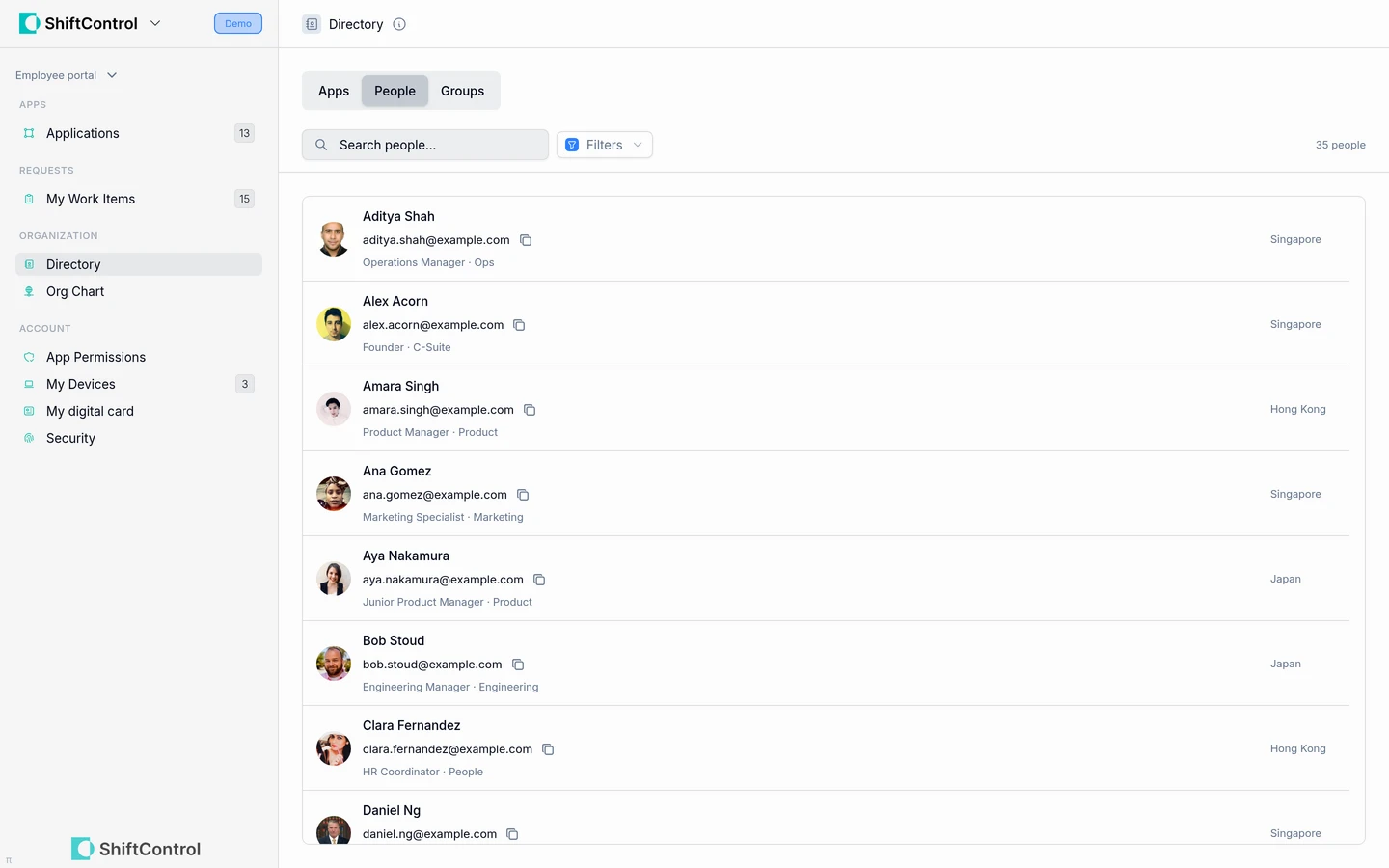
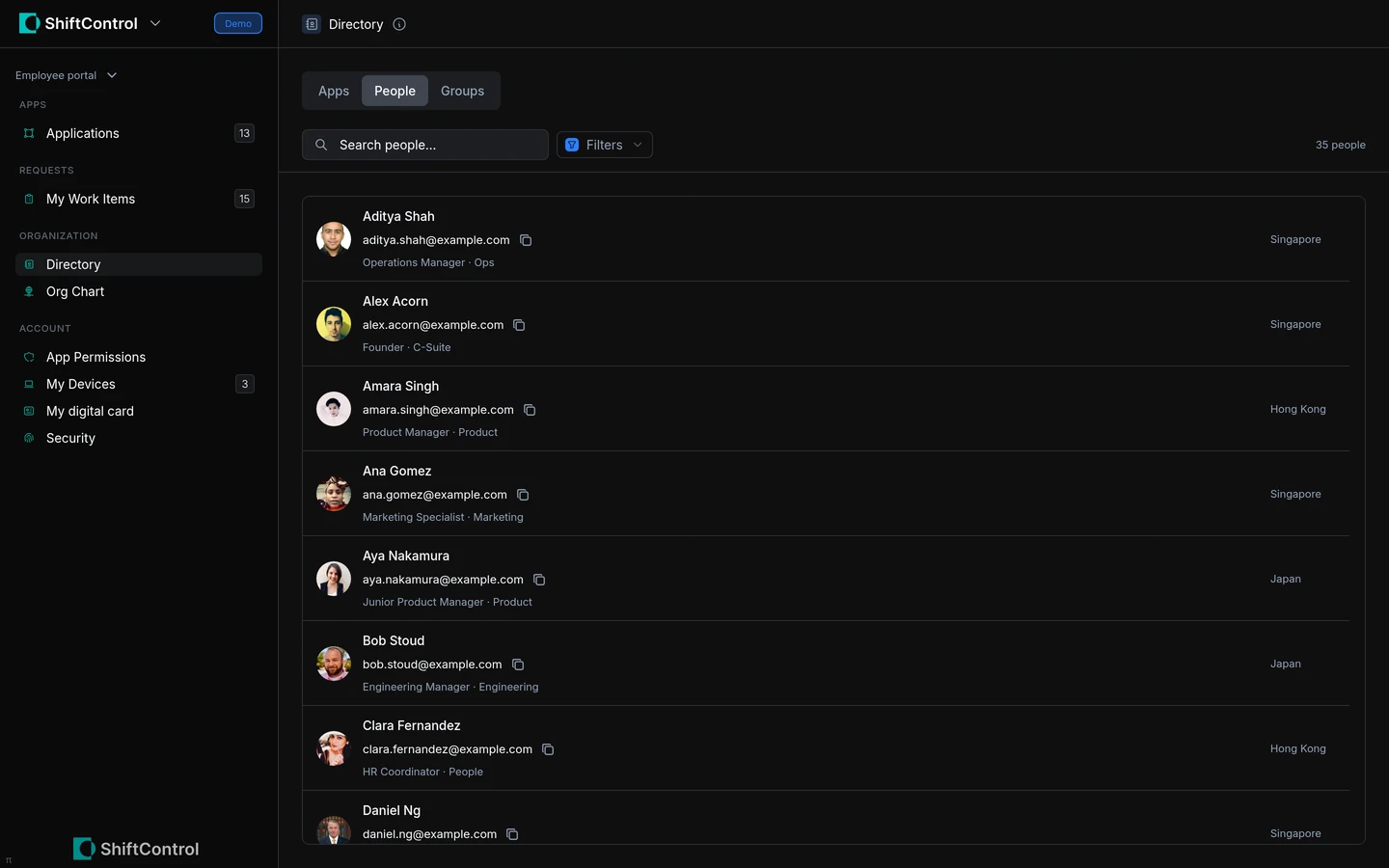
Open Directory in the employee portal and choose People, Groups, or Apps. Your organization controls which tabs and request actions are available.
How It Works
People
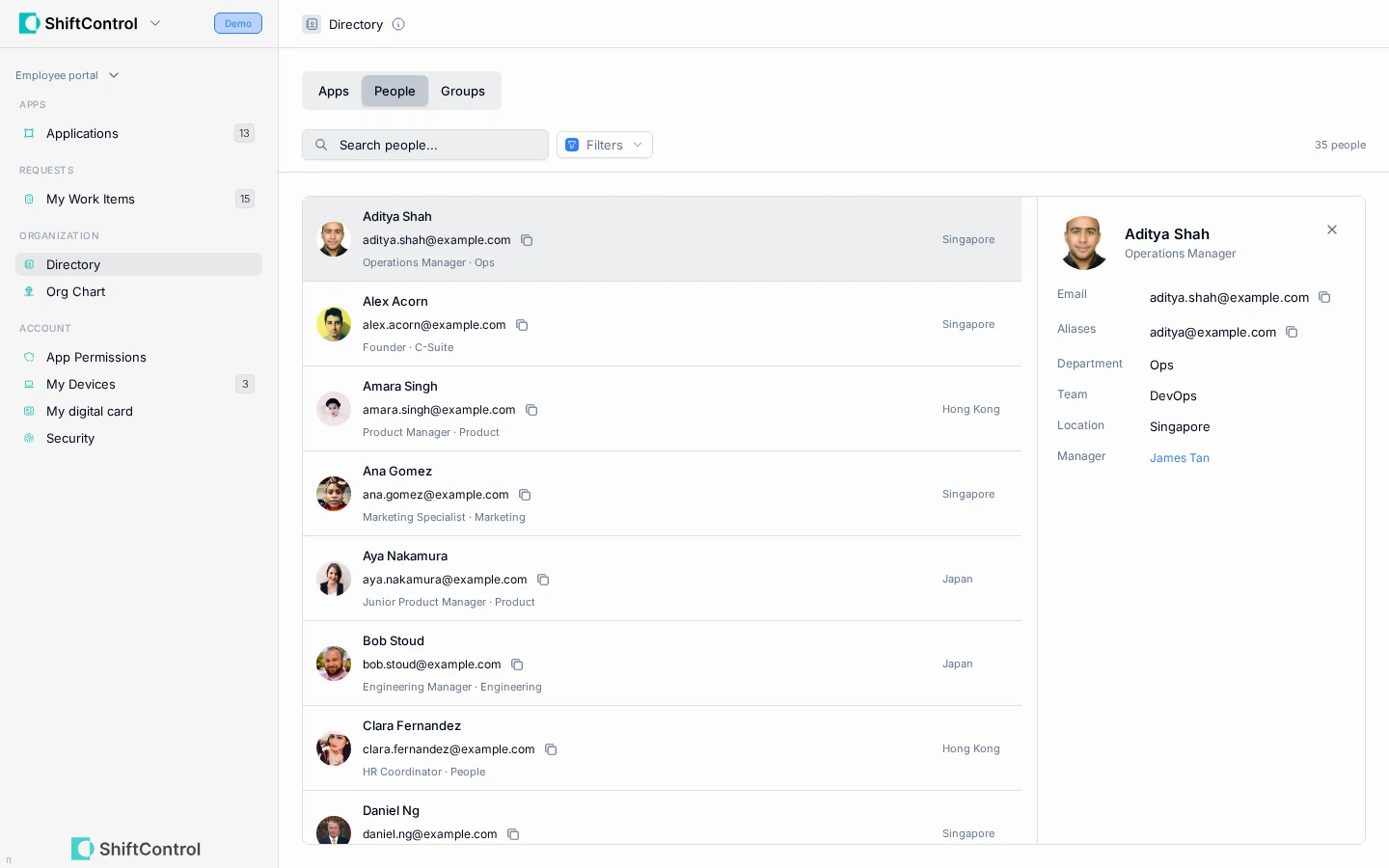
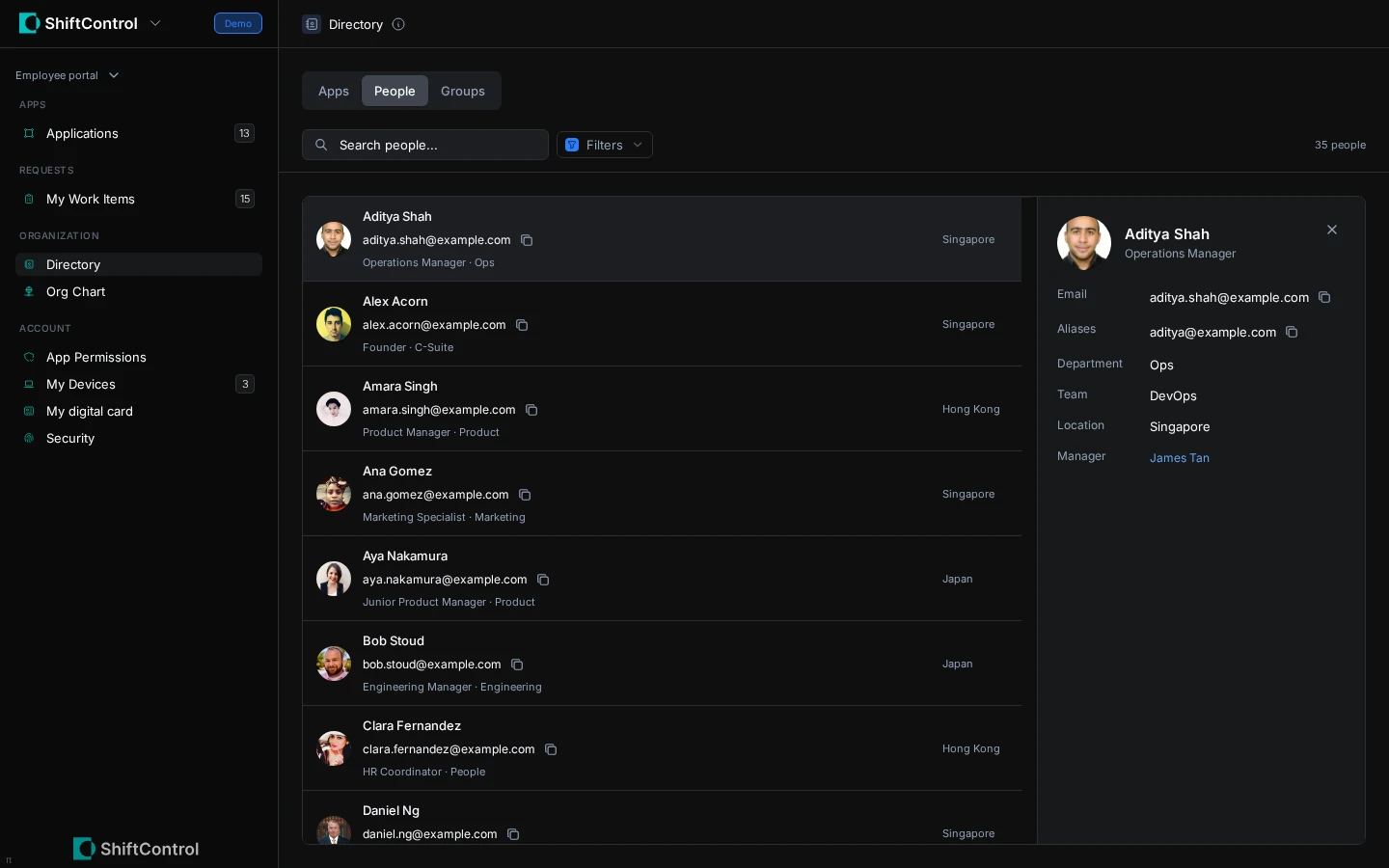
Search colleagues by name, email, job title, department, team, location, or manager. Hidden people do not appear to employees, and suspended or archived accounts are excluded.
When Google Workspace is the primary directory, people visibility follows Google's Show user in global directory setting.
When JumpCloud is the primary directory, admins can hide people from the employee directory.
Groups
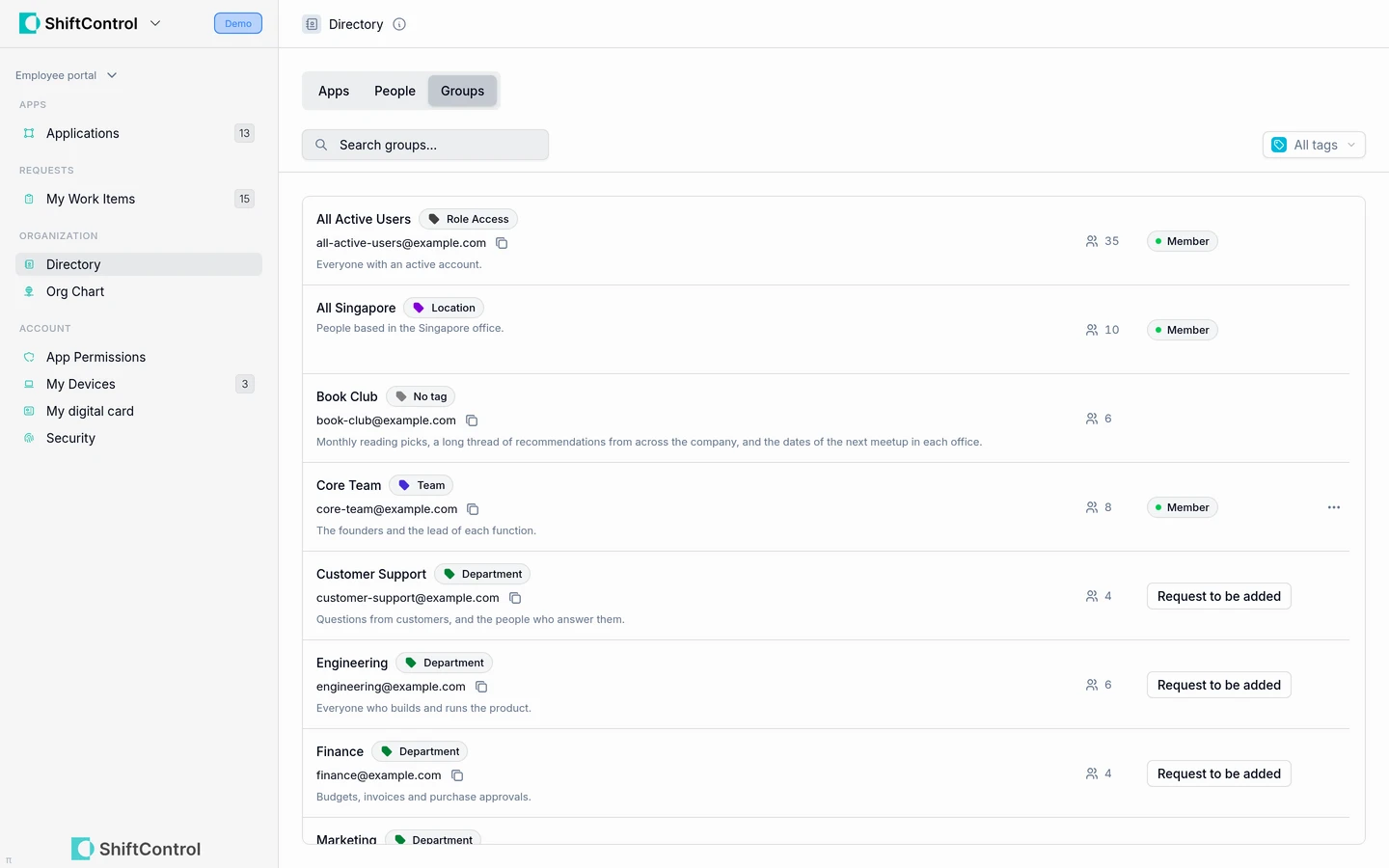
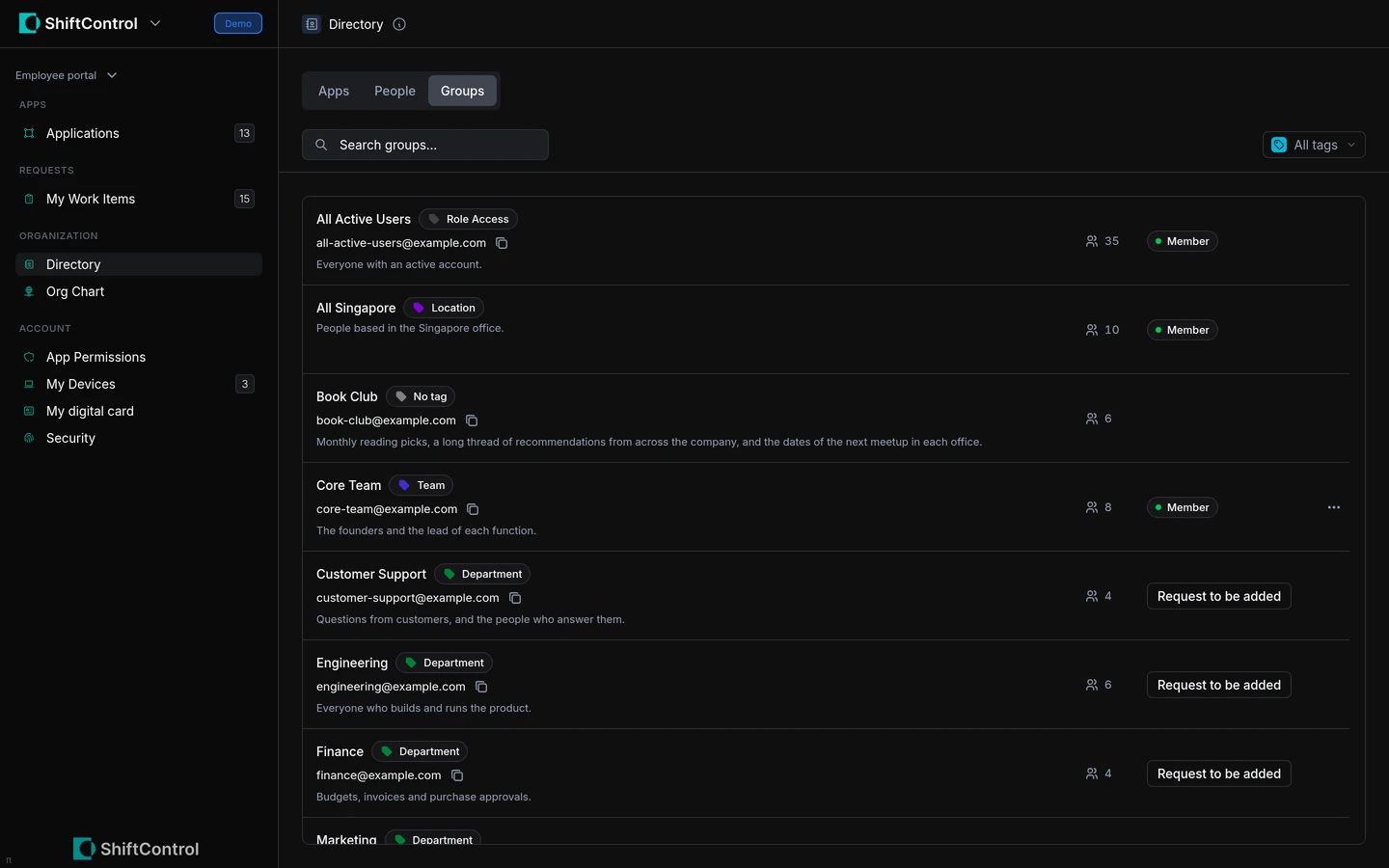
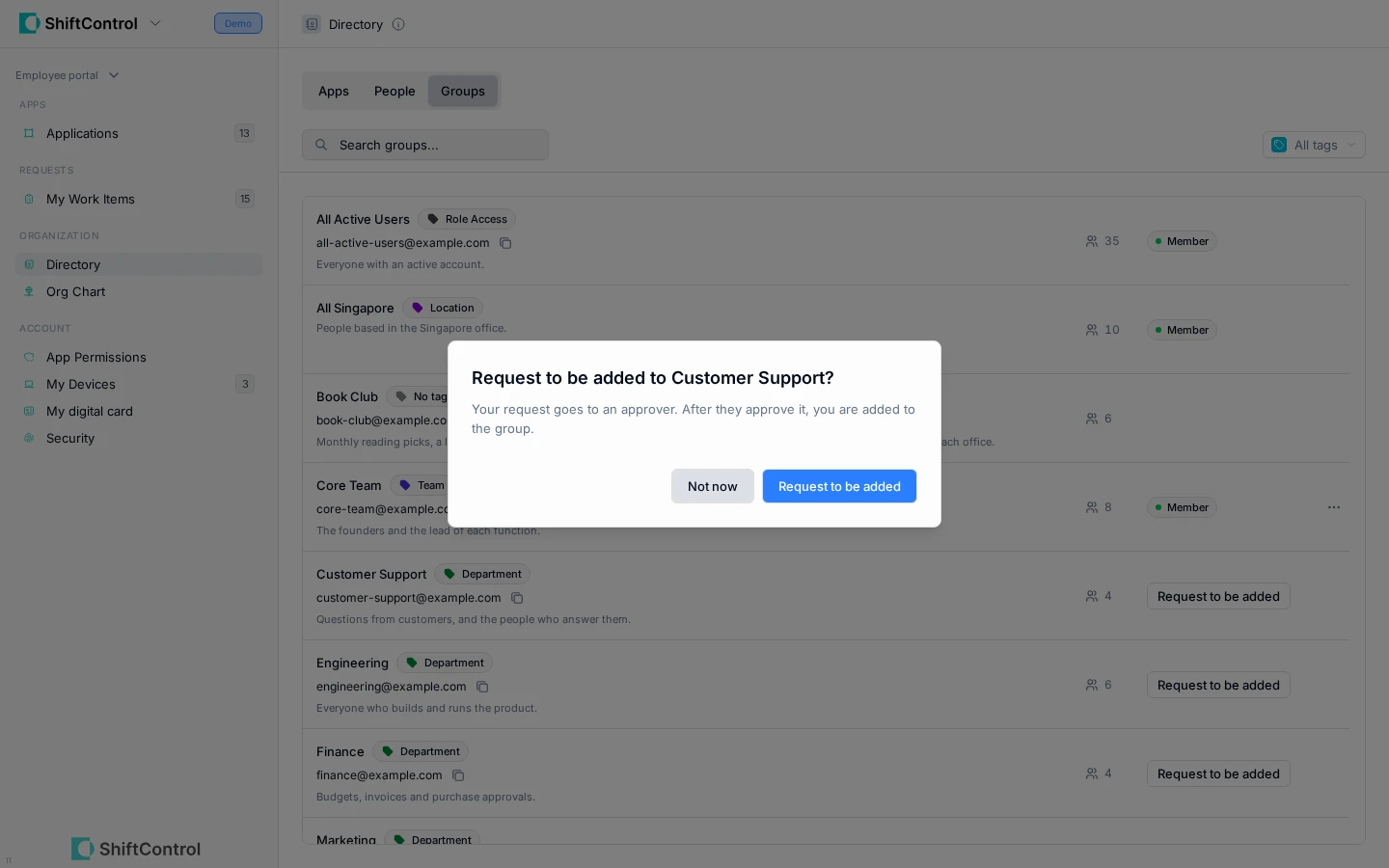
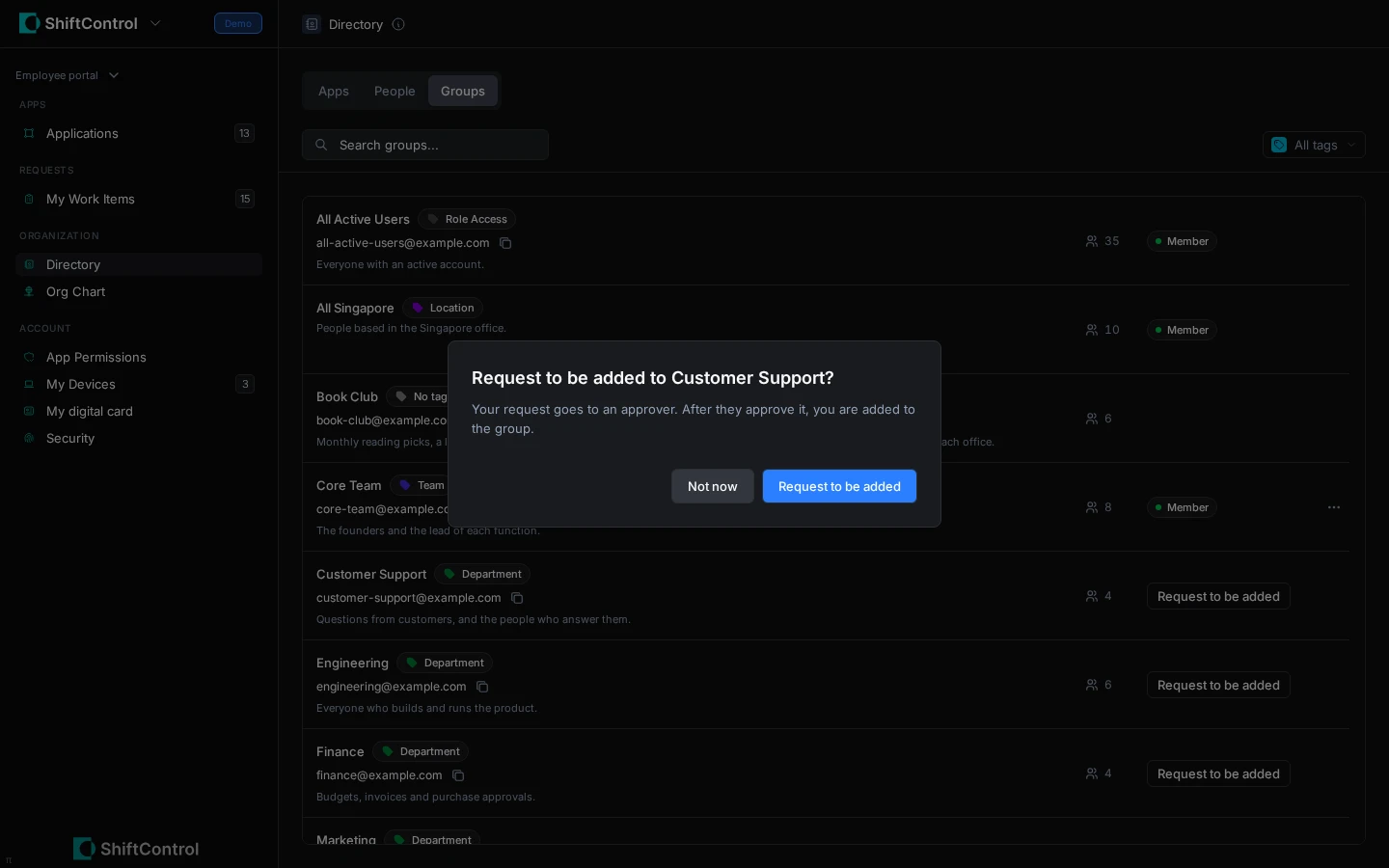
Browse groups, search by name, and filter by tags. Depending on the organization's settings, you can see group members and request to join or leave a group. Some groups do not show their member list.
Apps
Search the app directory and check whether an app is available to you. If requests are enabled, ask for access or ask to remove access assigned directly to you. If access comes from a group, ask your admin about changing that membership instead.
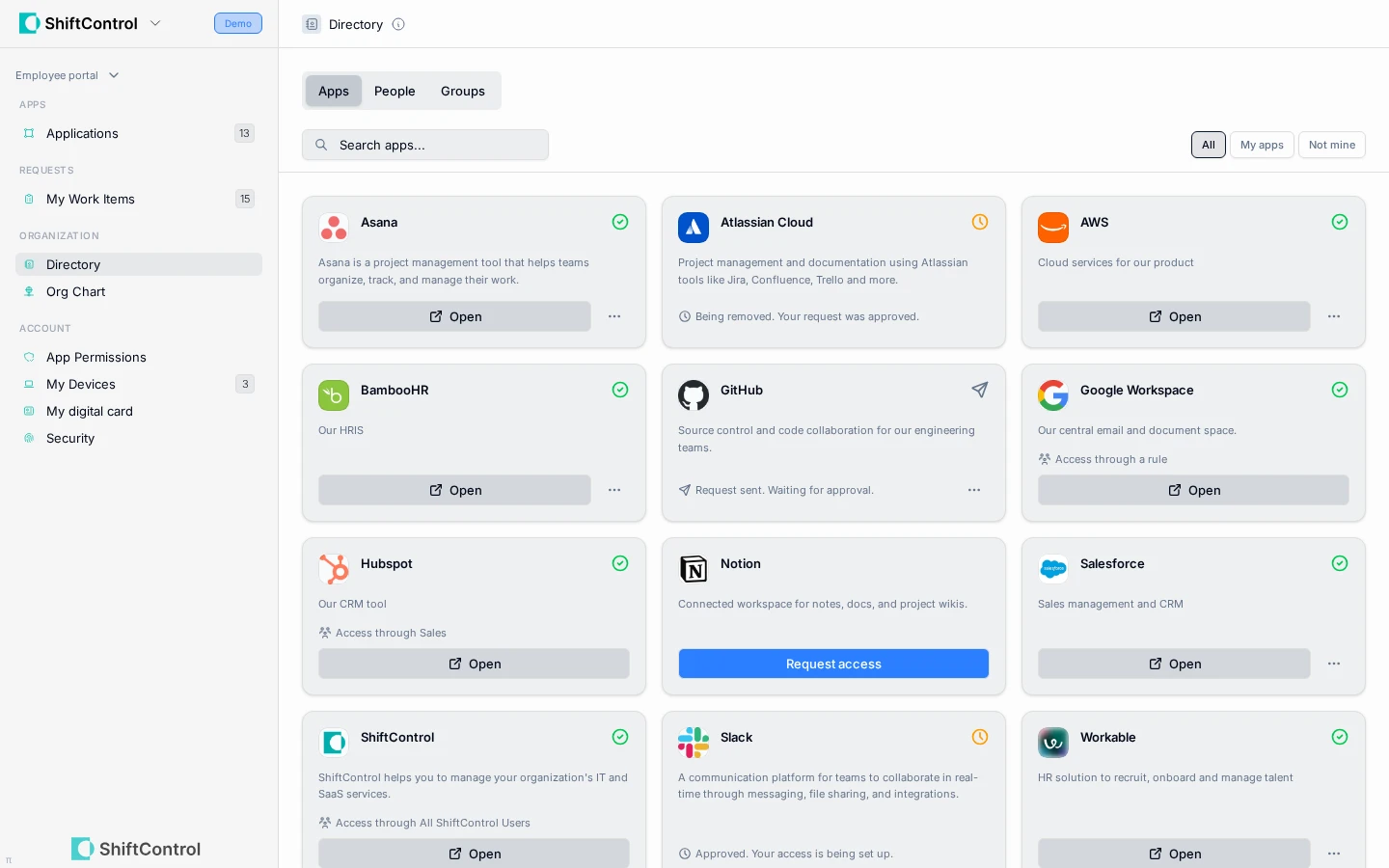
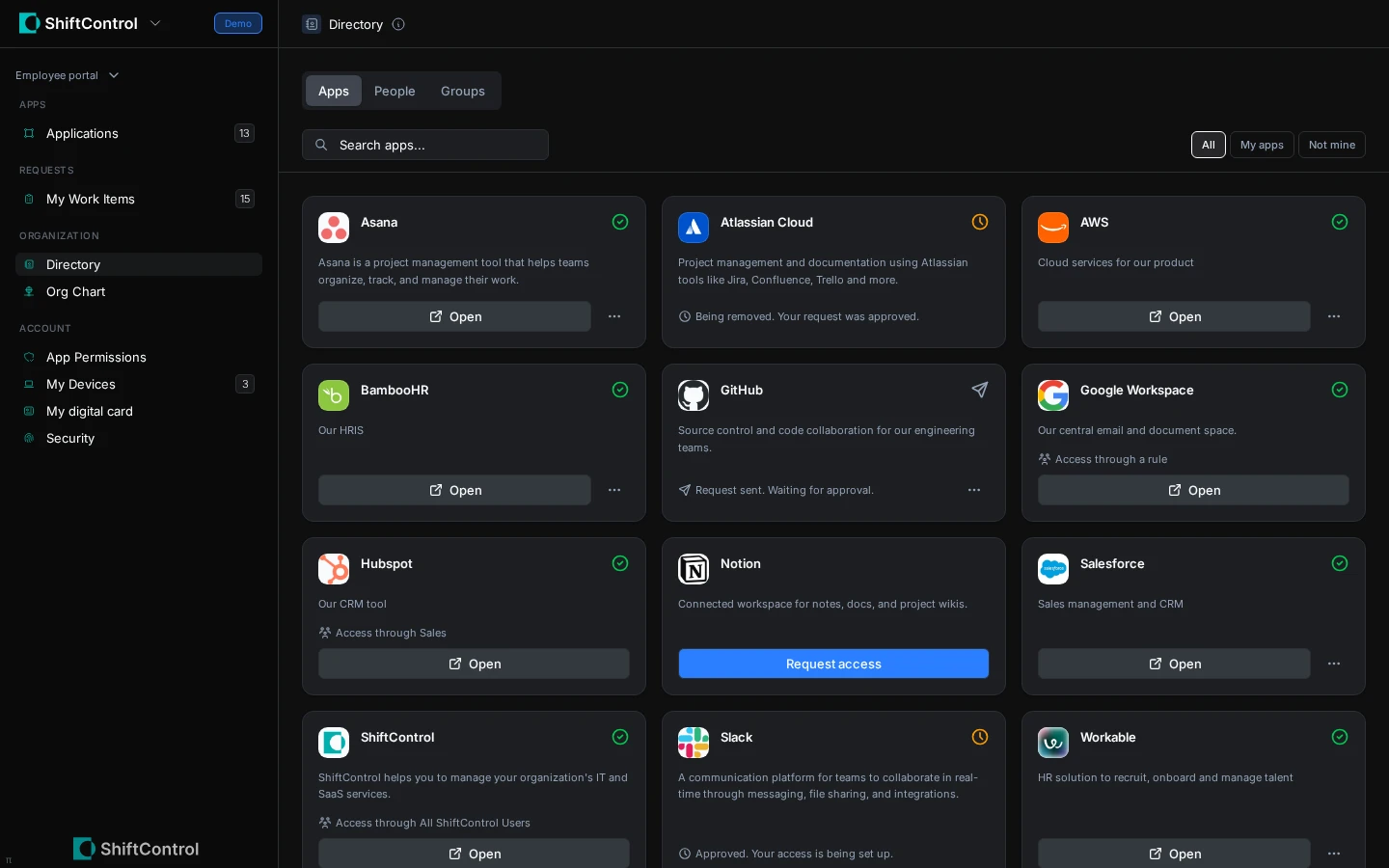
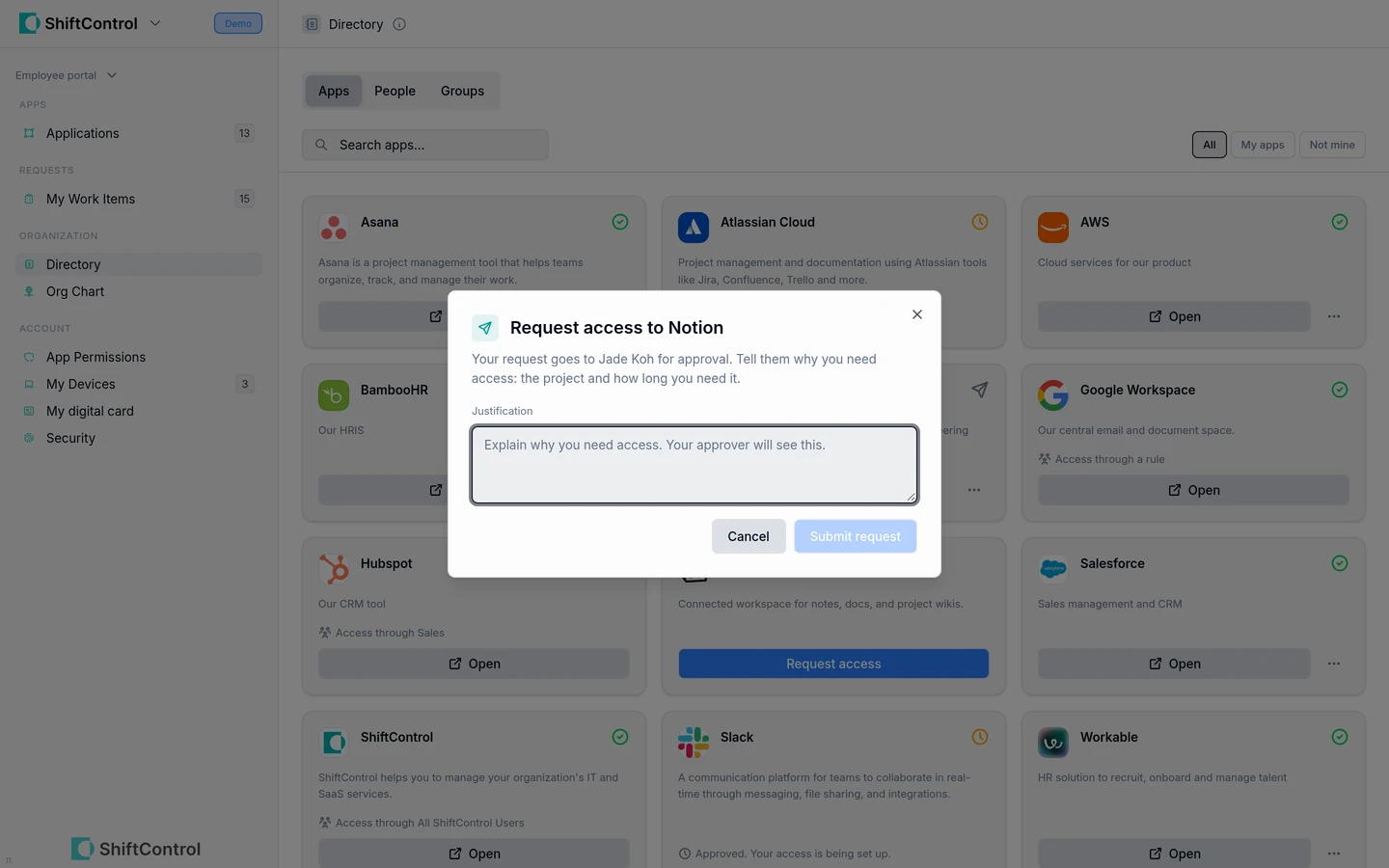
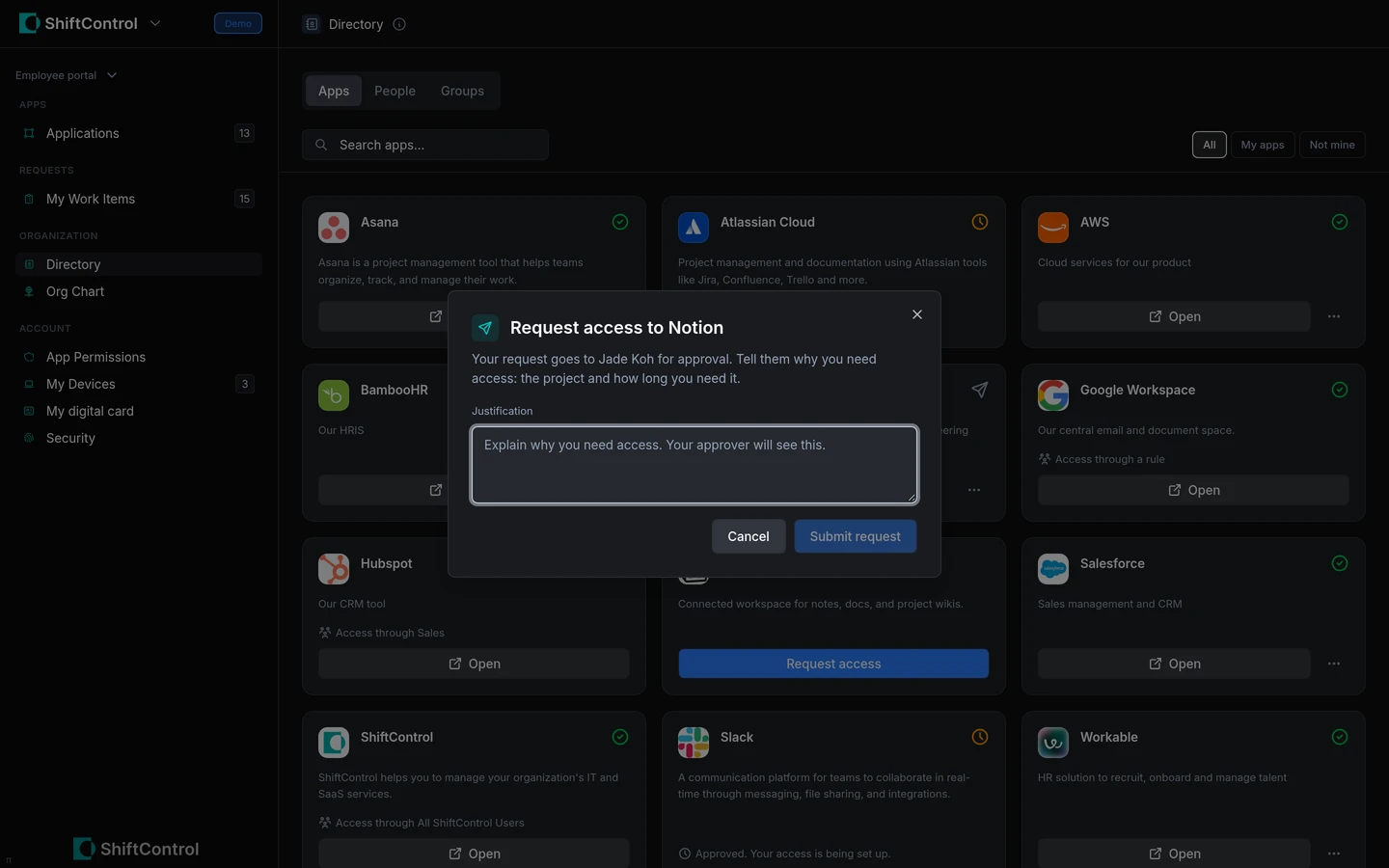
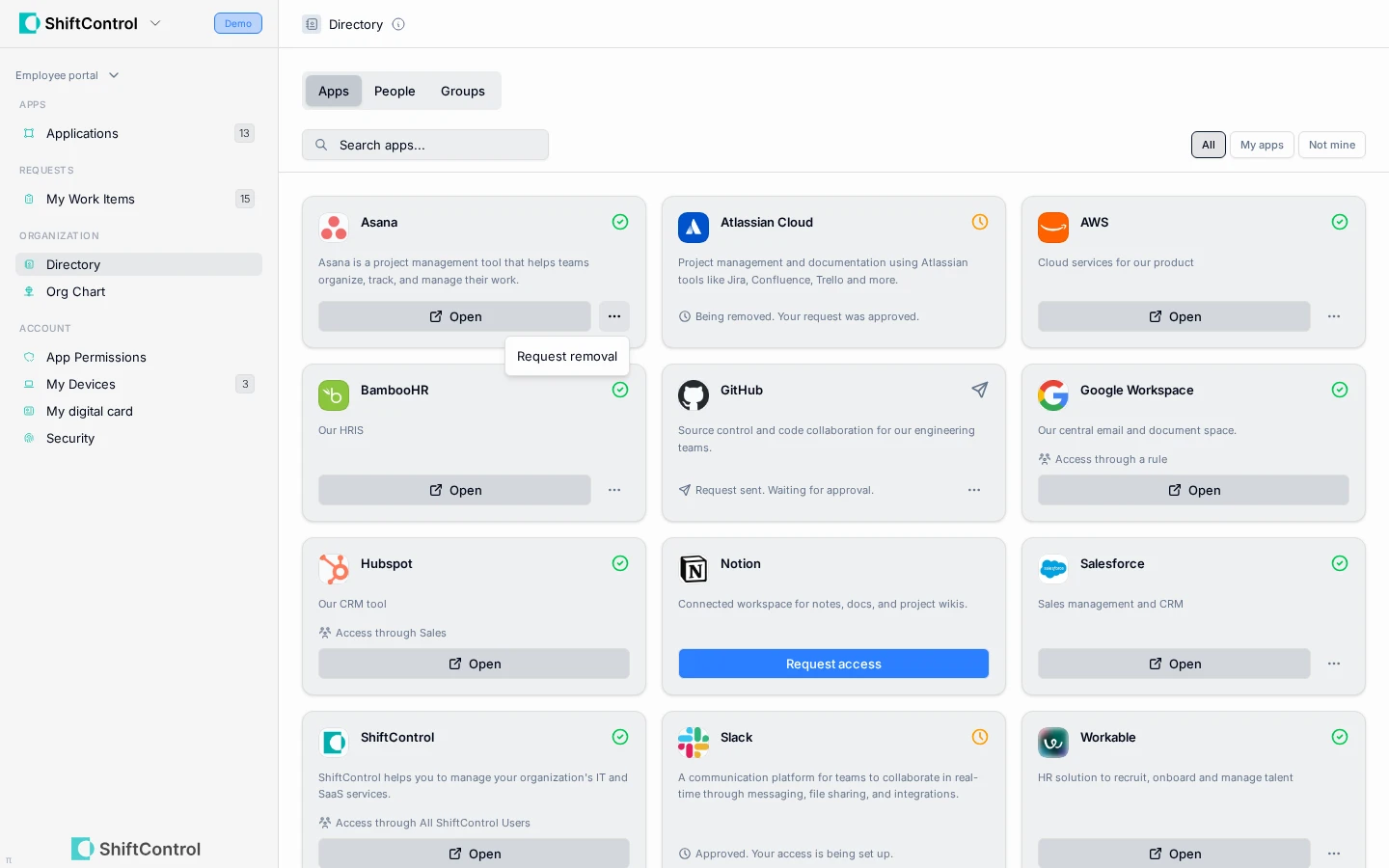
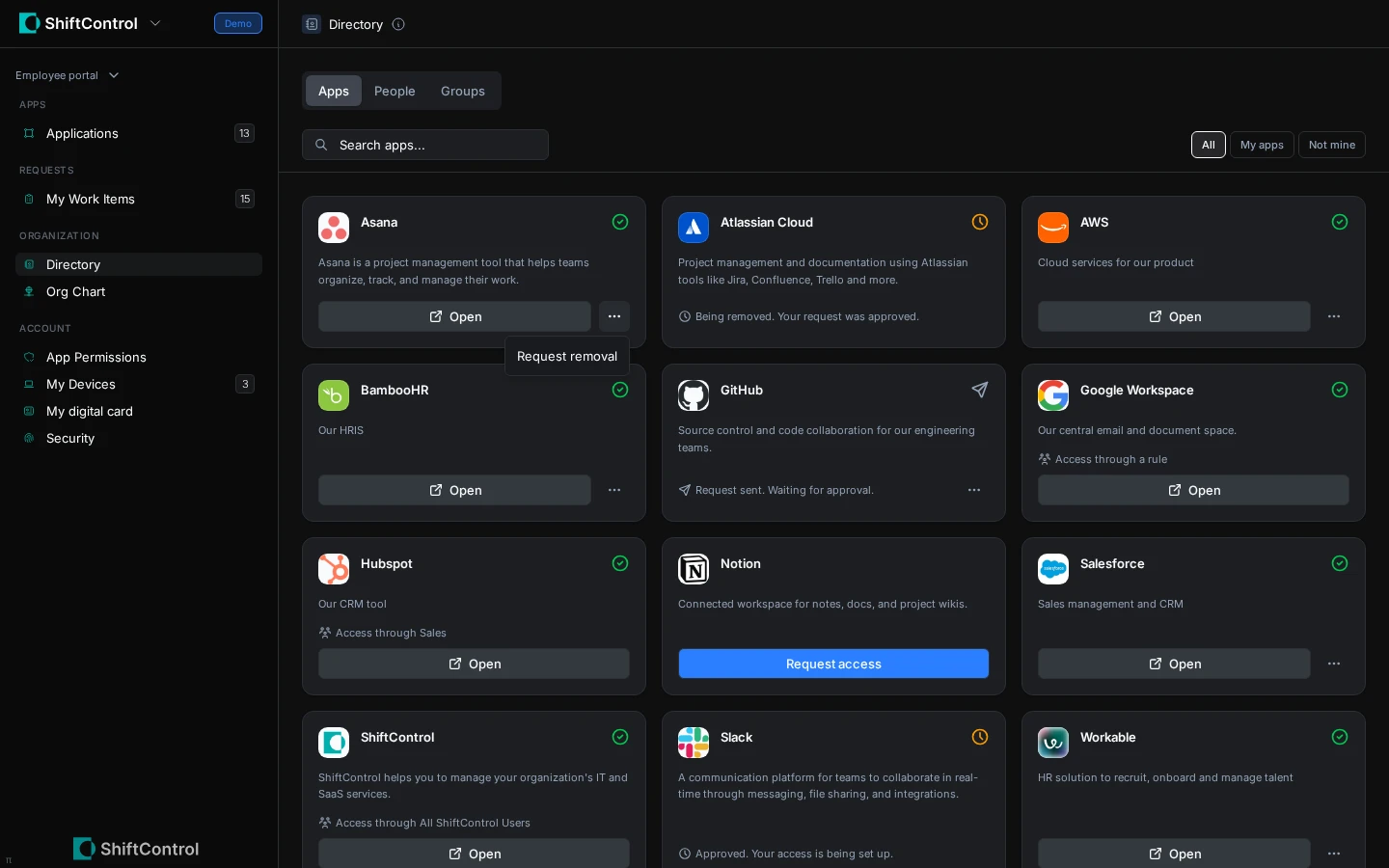
App and group requests are tracked in My Work Items, where you can follow the decision and fulfillment steps. To withdraw an open request, choose Cancel request from that app or group's actions menu in Directory. See My Work Items for the request, approval, and assigned-work steps.
Common Scenarios
Find the right person to contact
Search the People tab by a colleague's name, team, or manager. Open their record to see available directory details and copy their email address.
Request an app or group
Find the app or group, submit the request with the context the approver needs, and follow its status in My Work Items.
Step-by-Step Guide
- Open Directory and choose the tab for People, Groups, or Apps.
- Search by name or use the available filters to narrow the list.
- Open a person, group, or app to review its details and available actions.
- For a request, provide a clear reason so the approver can understand what access you need.
- Follow the request in My Work Items and read any comments or status updates there.
Things to Know
- Hidden, suspended, and archived people are not listed in the employee directory. In an organization with two directories, the primary directory's visibility rules take precedence.
- Group member lists may be hidden by organization settings.
- App removal requests apply to access assigned directly to you; group-based access needs to be changed through the group.
- You can't request an app you already have, or one that already has an open request or setup task for you. The app shows its current state instead, for example Approved. Your access is being set up.
- App Access Requests controls the Apps tab and app request actions; Directory controls People and Groups. Work Items must also be enabled for request actions to appear. Group requests require Directory and a group configured to accept requests.
Related Features
- My Work Items — follow your requests and assigned work.
- Your Apps — launch the apps already available to you.
- Approvals — understand the review and fulfillment flow.