Org Details
Manage your organization’s basic details and control which platform features are active.
Overview
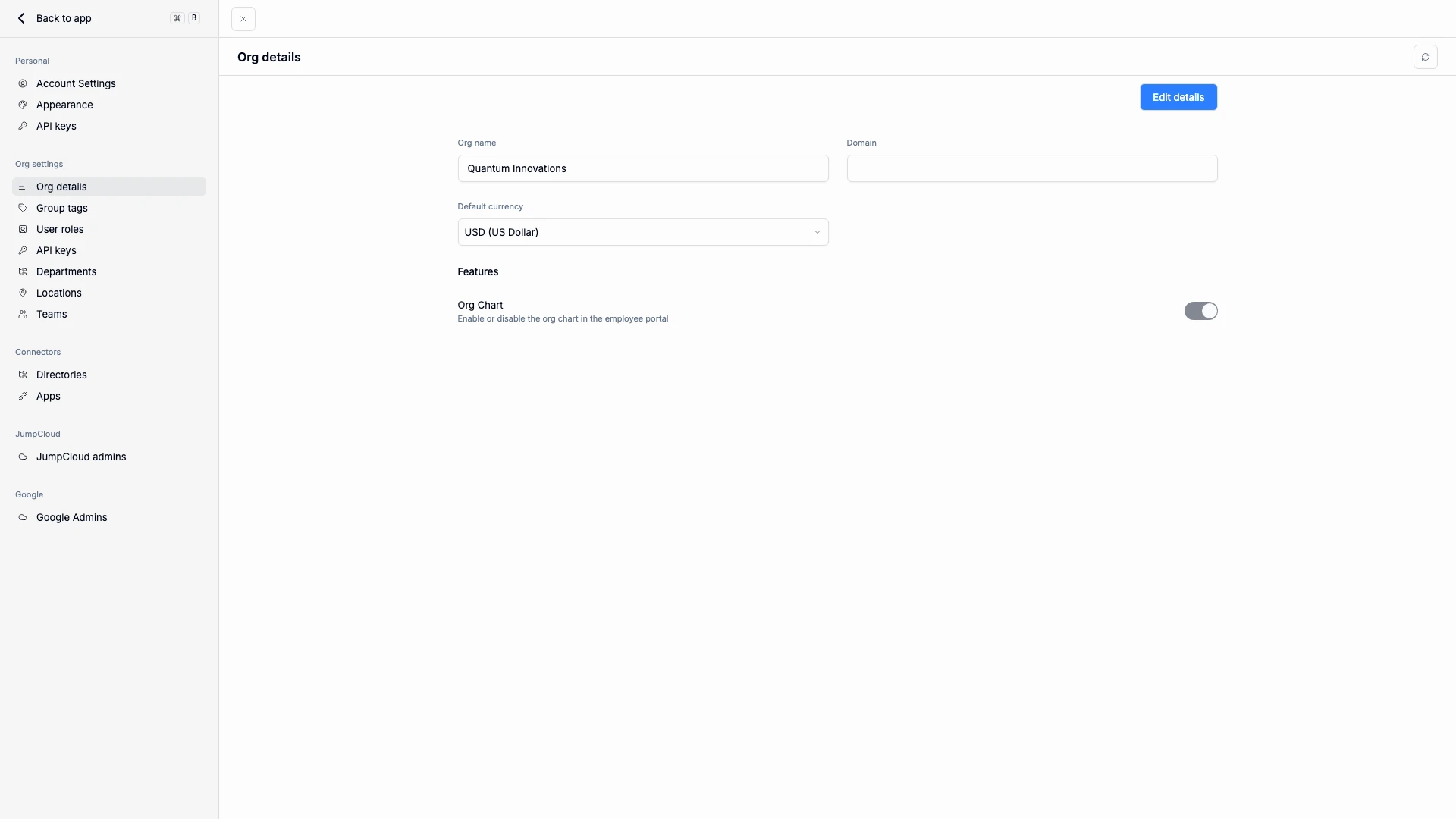
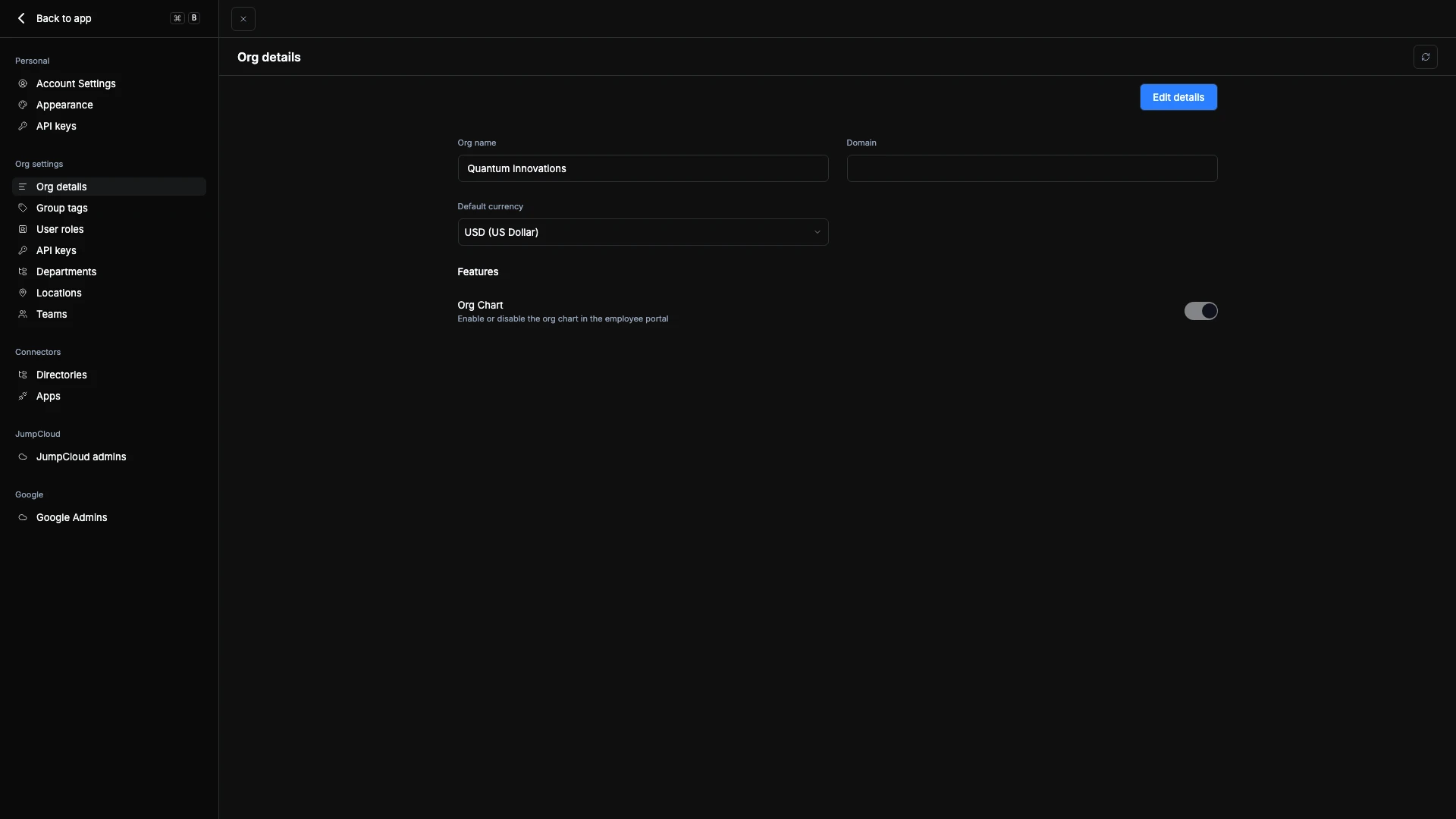
The Org Details page contains key configuration settings for your organization. Here, administrators can update foundational information like the organization’s name, domain, and default currency, as well as enable or disable specific platform features.
Organization Information
- Org Name — The display name of your organization. This appears throughout the platform and in reports.
- Domain — The primary email domain associated with your organization. This helps identify users who belong to your workspace.
- Default Currency — The base currency used for app cost tracking, invoices, and other financial displays within ShiftControl.
To update any of these details, click Edit, make the necessary changes, and save.
Organization Logo
Your organization's logo appears in the header at the top of the app — the top of the screen belongs to you, and ShiftControl's own mark sits at the bottom of the sidebar.
- Set it once here. Open the logo picker on this page — it's the same picker your apps already use. Search for your company by brand name, or switch to the upload tab and drop in a PNG or JPG at 150×150 or larger. The header updates without a reload.
- Sensible defaults, never a blank box. No logo set? ShiftControl looks up your Google Workspace primary domain first, then your sign-in domain, then falls back to two initials from your organization name.
- Your upload always wins. A custom logo outranks anything derived, and clearing it returns you to the derived default rather than to nothing. A logo URL that stops resolving falls back to initials instead of a broken image.
- Digital cards start from it. When you set up a card template, your org logo comes in as the default — override it per template if you want a different mark on cards.
- The color strip stays for multi-org admins. If you manage more than one organization, a per-org accent stripe remains to tell them apart at a glance. With a single organization, the stripe is gone — there's nothing to disambiguate.
Features
In the Features section, administrators control which optional features are active across the organization. Turning a feature off hides it everywhere it appears — both the admin screens and the matching employee-portal pages — for everyone in the org. So if a teammate reports that a page has gone missing, this is the first place to check.
Org Chart
Toggle the Org Chart feature to enable or disable visibility of your organization’s structure in the employee portal. When enabled, employees can view reporting lines and team relationships.
Work Items and Requests
At Settings → Organization → General → Features, enable Work Items to make the admin queue and employee My Work Items available. Enable App Access Requests separately for the Apps tab and app-access requests. The Directory toggle controls People and Groups; group membership requests also need Work Items enabled and the group configured to accept requests. Apps remain under App Access Requests, independent of the Directory toggle.
Configure notifications and the default owner at Settings → Organization → Product configuration → Work Items. The page's Email notifications and Default admin sections control those settings. See Work Items Overview and Directory for the employee experience.
Devices
Toggle the Devices feature to enable or disable device management across your organization. This feature is available to organizations that use JumpCloud as their identity provider, and it is on by default for them.
When enabled, admins get the Devices section — inventory, Needs Attention, Device Health, device details, and device actions — and employees get a My Devices page in the employee portal. Turning it off hides both surfaces, so if someone can't find Devices or My Devices, check this toggle first.